Amenities
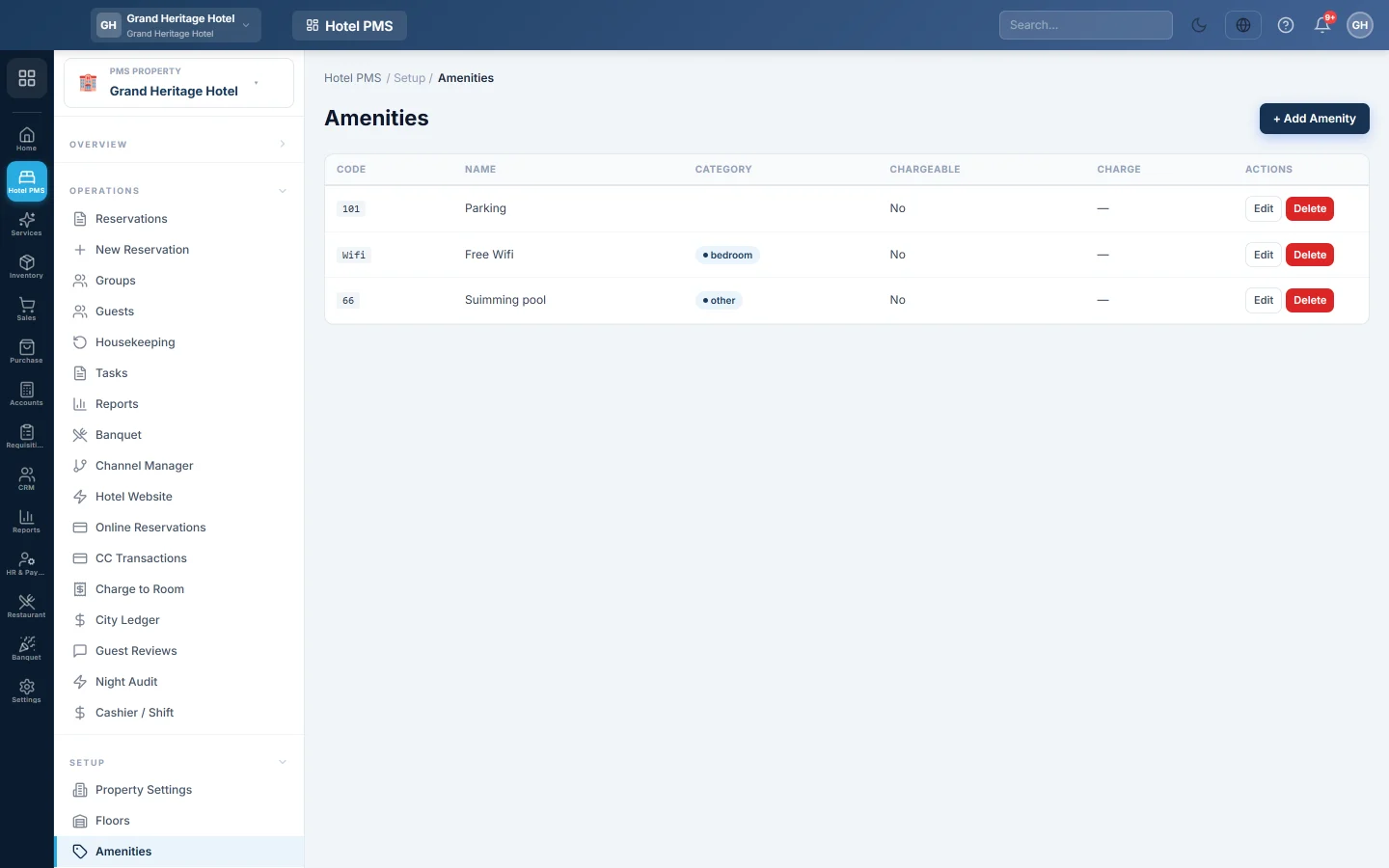
Keep the list of room features, such as WiFi, AC, TV and minibar, that you tick on each room type.
Amenities are the features a room offers, such as free WiFi, air conditioning, a TV or a balcony. You keep the list here once and then tick the ones each room type has.
Before you begin
- Your role needs the amenities permissions. See Users & Roles.
- The amenity list is shared by every hotel in your company.
Where to find it
Open Hotel → Setup → Amenities.
Add an amenity
- Click + Add Amenity.
- Enter a Code, a short word such as wifi, ac or minibar.
- Enter the Name guests will read, for example Free WiFi.
- Pick a Category: bathroom, bedroom, entertainment, comfort, food, accessibility, safety or other.
- Optionally type an Icon (lucide name), for example wifi, coffee or tv.
- Set a Sort Order if you want it higher or lower in the list.
- Click Save.
Then open Room Types, edit each type and tick its amenities.
Edit or delete an amenity
Click Edit to change an amenity, or Delete and confirm to remove it. Deleting removes it from the list for every room type.
Common questions
Are these the amenities on my hotel website? No. The website keeps its own list of highlights, set on Hotel Website. The amenities here describe your room types inside EloERP.
The amenity box on a room type says No amenities configured. You have not added any amenities yet. Add them here first, then edit the room type again.
Can each hotel have its own amenities? No. The list is for the whole company. Each room type picks the ones it has.
Thank you. If you still need help, write to info@eloerp.net.