Credit sales on the offline till
Sell on credit (udhaar) on the offline till to a customer with a ledger, take a down payment, and see how the balance reaches the customer's ledger when the till syncs.
The offline till can sell on credit, even without internet. The customer must have a ledger, so the balance has an account to go to when the sale uploads.
Before you begin
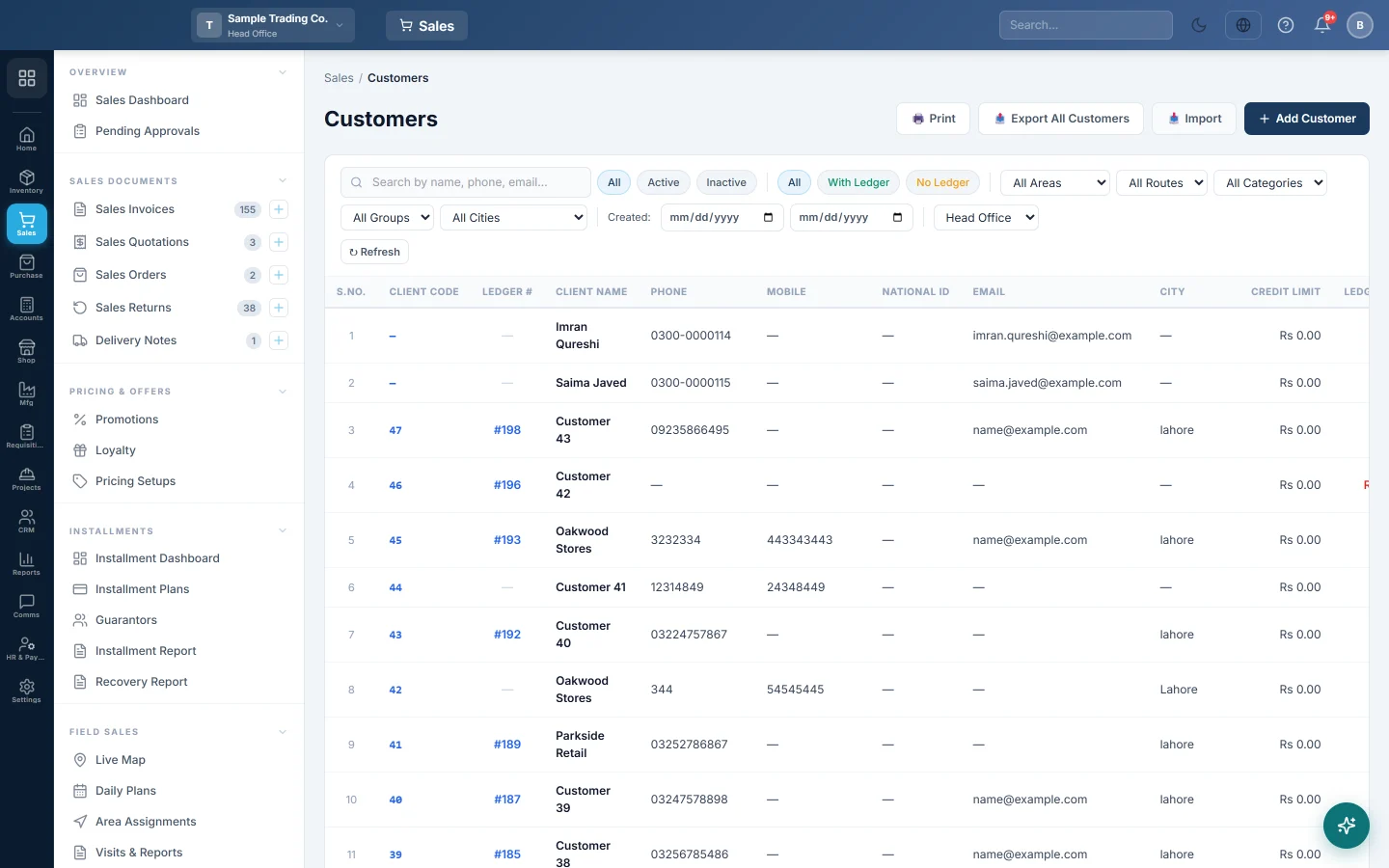
- The customer has a ledger: Create Ledger in Accounts is on in their customer record. See All Customers.
- The till has downloaded the customer. Customers download every 10 minutes while the till is online.
- Installment sales are not offered on the offline till. Ring them on the online POS Terminal.
Where to find it
On the till, Credit Sale is above the product grid, next to Cash Sale.
Sell on credit
- Click Select Customer, search by name, phone or email and click the customer.
- Click Credit Sale.
- Add the items.
- If the customer pays something now, type it in Down Payment and pick the Method. Tick Full to take the whole amount.
- Check Balance Due. This goes on the customer's account.
- Click Complete Sale.
Add a new credit customer at the till
- Click Select Customer, then + New.
- Type the Customer Name and a phone number.
- Switch Create Ledger on. Type a Credit Limit (Rs) if you set one.
- Click Create & Select.
- Continue with Credit Sale as above.
The customer uploads before the sale, and the ledger is opened then.
Credit limits on the offline till
The till does not stop a sale over the customer's credit limit. The balances it holds can be out of date, and the goods have already left the shop.
When the sale uploads, EloERP checks the live balance. An over-limit sale still posts, and is listed for a manager under Settings → Configuration → Offline POS with the kind credit_over_limit. Choose All in the Sync exceptions filter to see it.
What counts in the drawer
Only the down payment is money in hand. The cash part counts toward Expected Cash on the X-Report. The rest shows in Payment Breakdown as Customer Ledger with the type Credit Sale.
What happens in the books
When the sale uploads, EloERP posts it as a credit sale:
- The customer's ledger is debited with the Grand Total.
- Sales Revenue and Sales Tax Payable are credited, and the goods leave stock at cost.
- A down payment posts a receipt: the method's account is debited and the customer is credited.
The balance then shows in Customer Ledgers.
Common questions
"Credit sales offline need a saved customer" You clicked Credit Sale without a customer, or the customer is not on the till yet. Pick one from the list, or add one with Create Ledger on.
"… is not a credit customer" That customer has no ledger. Turn on Create Ledger in Accounts for them online and let the till download it, or take the payment now as a cash sale.
Can the customer pay off the balance at the till? Record later payments online in EloERP, against the customer's ledger. The till takes money only for its own sales.
Can I take back goods from a credit sale offline? Yes, if the sale was rung on this till. The returned value is credited to the customer's account. See Take a return at the till.
The X-Report counts the whole credit bill as cash. That was a fault in older versions of the POS app. Install the latest version. See Keep the offline till up to date.
Gracias. Si todavía necesita ayuda, escriba a info@eloerp.net.