Cash Counters
Set up the hospital's tills, each with an optional room and its own cash drawer ledger, so cashiers choose a counter when they open a shift.
A cash counter is a place where cashiers take money, such as OPD Counter 1 or the emergency window. Once a counter exists, opening a shift asks which counter, and only one shift can be open at each counter.
Before you begin
- You need the hospital masters edit right to add or edit counters.
- A small hospital needs no counters. Without them, shifts open without one and each cashier's cash goes to their own cash ledger.
- For a separate drawer ledger, add a cash ledger in the Chart of Accounts first.
Where to find it
Open Hospital → Finance → Cash Counters.
Add a counter
- Click New counter.
- Type the Name, for example OPD Counter 1.
- Type the Location, for example Ground floor, main entrance.
- Optionally pick a Room. See Rooms.
- Optionally pick a Drawer ledger. Leave it empty to use each cashier's own cash ledger.
- Keep In use ticked.
- Click Save counter.
Read the counter cards
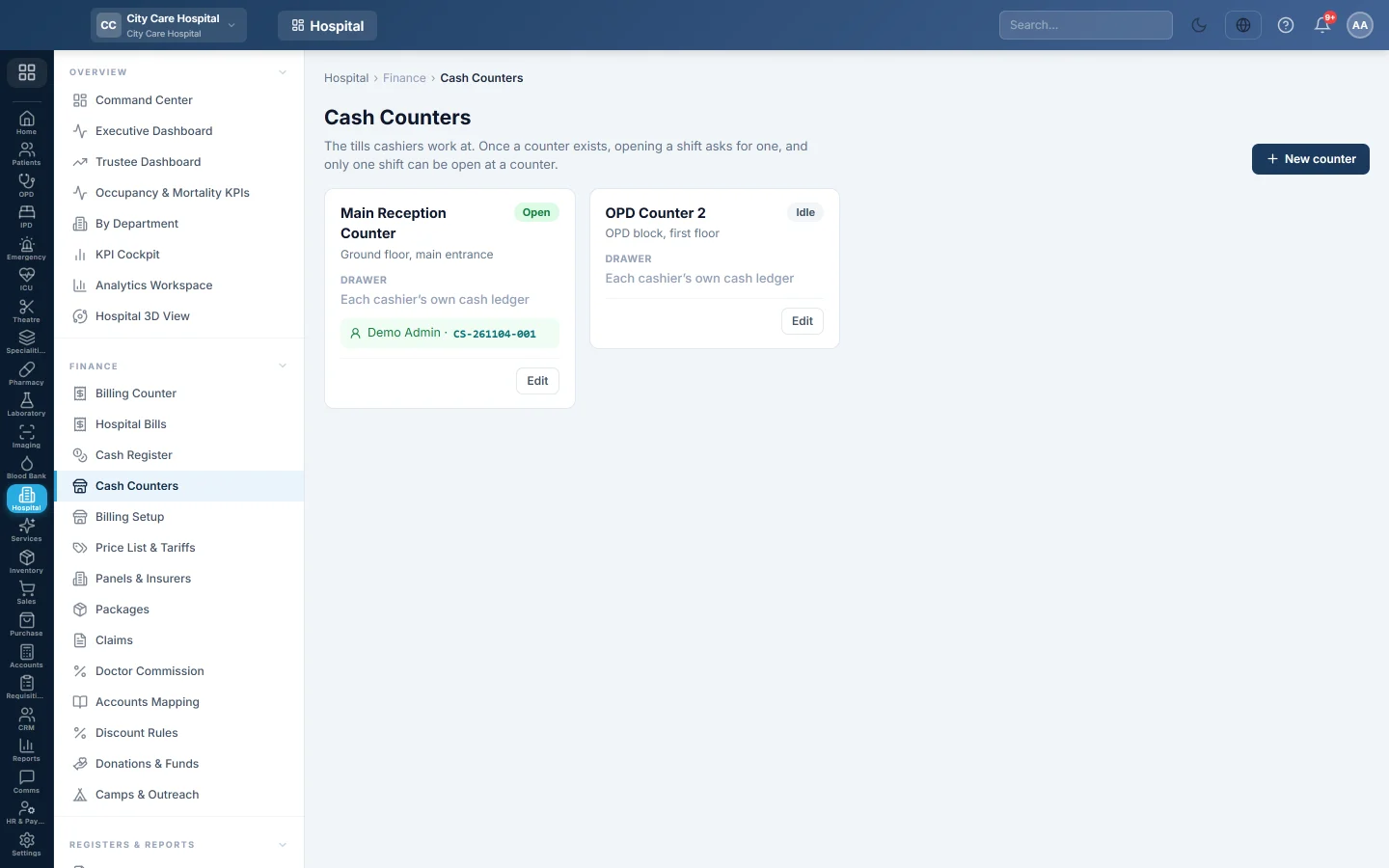
Each card shows the counter's name and location, its Drawer, and its state: Open with the cashier and shift number, Idle, or Off when it is not in use.
Change or retire a counter
Click Edit on the card. Untick In use to stop cashiers choosing it.
Common questions
A cashier cannot choose a counter. It is in use by another shift, or it is not In use.
Do counters limit what a cashier bills? No. A counter is a place. What each person may bill is set on the person. See Billing Setup.
Do all counters share one receipt series? Yes, every Billing Counter bill takes the next HB- number.
Merci. Si vous avez encore besoin d’aide, écrivez à info@eloerp.net.