Rooms
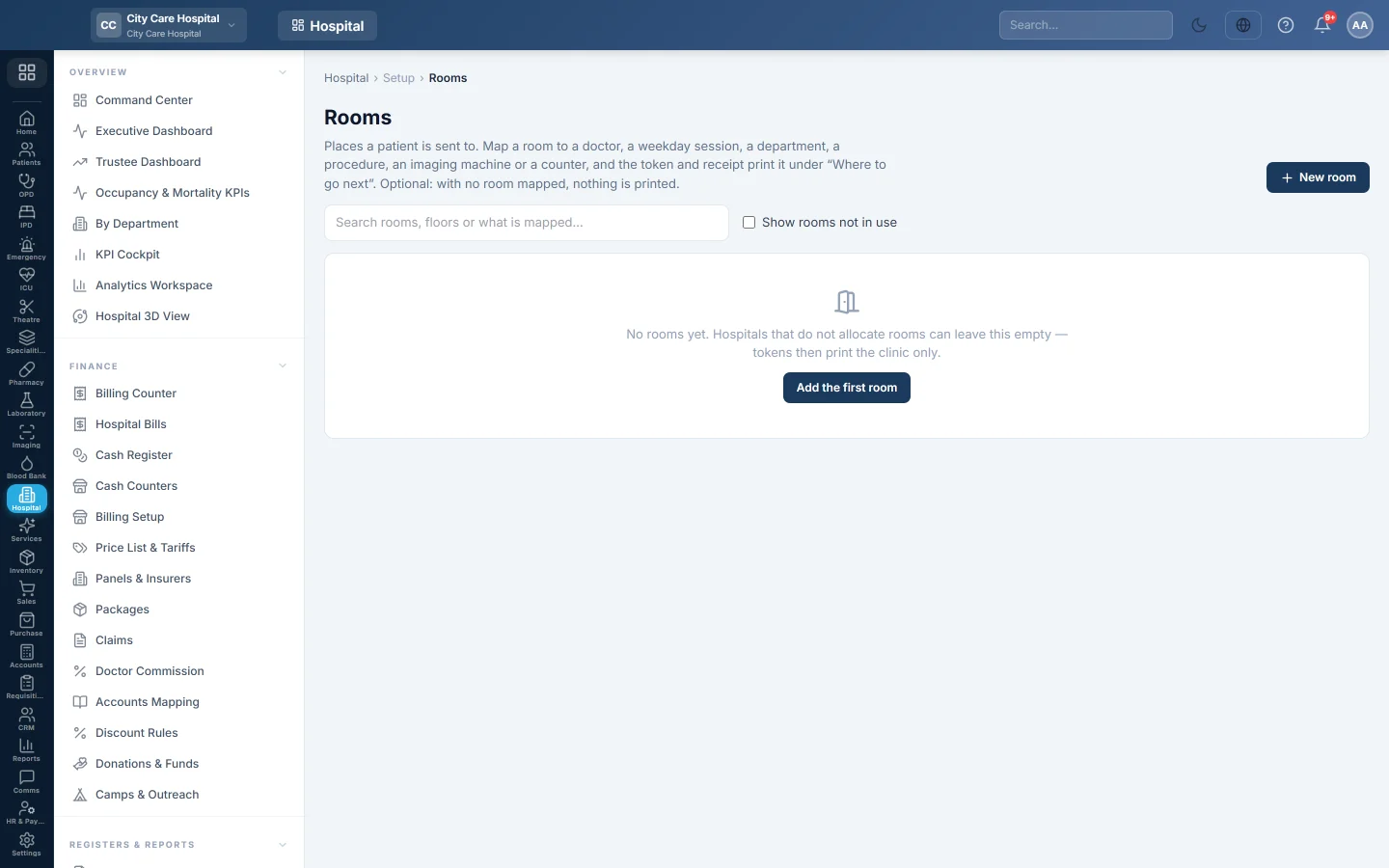
The rooms a patient is sent to. Map a room to a doctor, a weekday session, a department, a procedure, an imaging machine or a counter, and tokens and receipts print where to go next.
Rooms tell a patient where to go after paying. When a room is mapped, the token and the receipt print it under Where to go next. Rooms are optional: with none mapped, tokens print only the clinic.
Before you begin
- You need the rooms manage, HIMS settings or masters edit right.
- Wards and beds for admitted patients are set up separately on Wards & Beds.
Where to find it
Open Hospital → Setup → Rooms.
Add a room
- Click New room.
- Type the Name, for example Room 7, and optionally a Code.
- Type the Name (Urdu) if you print in Urdu.
- Type the Floor and Wing, for example first floor and East block.
- Add a Note, such as Next to the pharmacy.
- With several branches, choose the Branch, or All branches.
- Check Prints as: this is what the patient reads.
- Keep In use ticked and click Save room.
Map the room
You map a room on the record that uses it, not here. Pick it in the Room or Usual room box on:
- a doctor, on Doctors;
- a weekday session, on Doctor Schedules;
- a department, on Departments;
- a procedure, on OPD Procedures;
- an imaging machine, in imaging setup;
- a counter, on Cash Counters.
The Mapped to column then lists each use. Several doctors may share one room.
Which room is printed
- A consultation uses today's schedule room, then the doctor's room, then the department's room.
- A procedure uses its own room, then the department's.
- A test or scan for an admitted patient prints the ward and bed. Otherwise a scan uses the machine's room, then the department's.
The room is printed once at payment and kept on the bill line, so a reprint shows the same room.
Stop using a room
Click Stop using. The room is kept but no longer offered. Tick Show rooms not in use and click Use again to bring it back.
Common questions
The token printed no room. Nothing on the path above has a room. Map one on the doctor or the department.
A doctor changes rooms on Fridays. Set the room on the Friday session in Doctor Schedules. It wins over the doctor's usual room.
Can I delete a room? No. Stop using it, so old receipts still make sense.
Thank you. If you still need help, write to info@eloerp.net.