Batch Surgery Days
Run many cases of the same procedure in one theatre on one day as a single list, such as a camp cataract day, and track and print it.
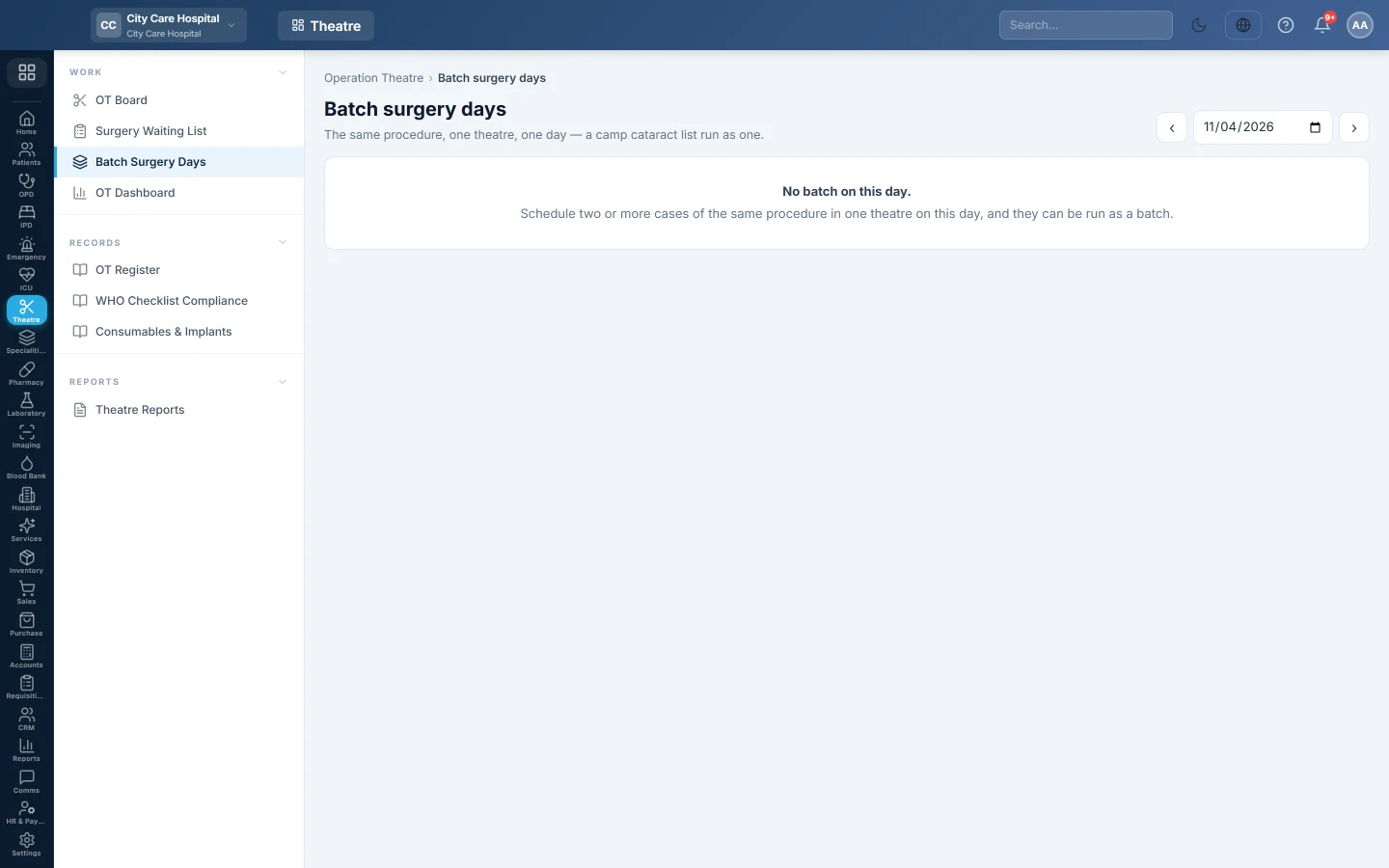
Batch Surgery Days runs the same procedure, in one theatre, on one day, as one list. It is made for camp days, such as a cataract camp, where many patients have the same operation.
Before you begin
- The cases are scheduled on the OT Board: two or more of the same procedure in one theatre on the same day.
- Making and changing batches needs the OT schedule permission. See Users & Roles.
Where to find it
Open Operation theatre → Work → Batch Surgery Days. The page is titled Batch surgery days.
Make a batch
- Pick the day with the date box, or ‹ and ›.
- When cases can be grouped, a suggestion shows the count, the procedure and the theatre, for example 12 × Phaco with IOL.
- Click Run as a batch.
Work the batch
Each batch shows its number, procedure, theatre and surgeon, and how many cases are done.
- The table lists each case in order with the time, patient, Eye / side and Lens power.
- Click a patient to open their case and run it. See Run a surgery case.
- Click Take off batch on a case that will not go ahead in the batch.
- Click Print list to print the day's list for the theatre.
Common questions
No suggestion appears. There are fewer than two cases of the same procedure in one theatre on that day.
Where do the camp patients come from? From screening camps. See Camps & Outreach.
Is each patient billed separately? Yes. Each case is still its own case with its own bill.
Спасибо. Если помощь всё ещё нужна, напишите на info@eloerp.net.