Stock limits at the till
With Allow Negative Stock off, every way into the cart stops at the stock on the shelf: tiles, "+", the quantity box, variants, options, combos, the scale, weight labels and barcode scans.
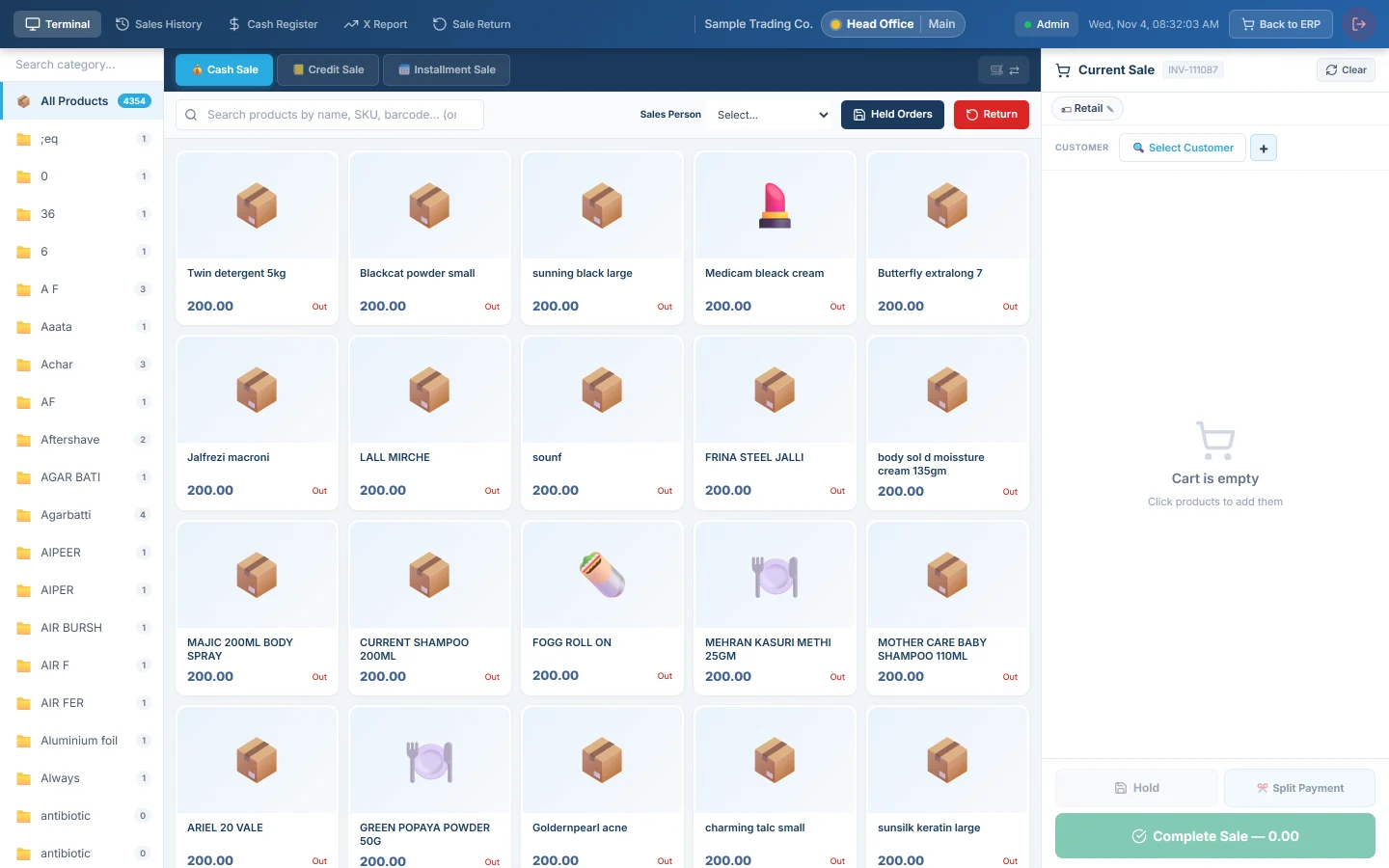
When Allow Negative Stock is off, the till never lets the cart hold more of an item than the warehouse has. This page explains where that limit applies and what the cashier sees when it is reached.
Before you begin
- The limit applies while Allow Negative Stock is off in Settings → POS & Sales → POS Settings, under Stock Settings. See POS Settings.
- The item must be a stock item (Stockable ticked on the product). Services and other non-stock items are never limited.
- The stock counted is the till's warehouse: Default Warehouse in POS Settings.
Where to find it
Open the POS Terminal. The limit works on its own; there is nothing to switch on at the till.
Where the limit applies
| Way into the cart | What happens at the limit |
|---|---|
| Tapping a tile | The tile stops adding once every unit is in the cart. |
| + on a cart line | The quantity stays and the till says No more in stock. − always works. |
| Typing in the quantity box | The quantity is cut back to what is left, with No more in stock. A whole number stays whole; a weight keeps its decimals. |
| Variant picker | Each size or colour has its own stock. The picker stays open with the quantity that fits and says Only 2 in stock, or No more in stock. |
| Items with options | Each time you confirm the options, a new line is added. All lines of the item count toward the same shelf. |
| Combos | Combo lines share the combo's stock among themselves. |
| The scale | A weight above the stock is refused with Only 3.25 in stock. |
| Weight labels | A label carrying a weight is checked the same way. A label carrying only a price is not. |
| Barcode scans | A sold-out item is refused with Out of stock: Basmati Rice 5kg, even when Hide Zero Stock Items keeps it off the grid. |
| Quick order | The line shows Out of stock or No more in stock, or Only 3 in stock when part of the quantity fitted. |
The till counts in the product's base unit. If one carton holds 12 pieces and 20 pieces are on the shelf, a carton line and 8 loose pieces use it all up.
Each weighing is its own line
Every weighing on the scale, and every weight label scanned, becomes a separate cart line. Two bags of the same fruit are two lines with their own weights, so neither weight replaces the other.
At payment
When you complete a sale, the till checks every line once more. If stock was sold elsewhere meanwhile, it stops with Insufficient stock for: and the item names. Lower the quantities or remove the lines, then complete the sale.
Restaurant bills are not stopped at payment. The food has already been served, so the bill is always settled.
When the limit does not apply
- Allow Negative Stock is on. The till sells past zero, except items tracked by batch or serial number, which always stop at the stock.
- The item is not a stock item, such as a service.
- A jewellery piece sold by weight.
- A line sent to another warehouse. The server checks that warehouse's stock when the sale is saved.
Common questions
The till says No more in stock, but the shelf has more. The stock in EloERP is lower than the shelf. Receive the missing purchase, or correct the stock with a Stock Count (Physical) or a Stock Adjustment. Then reload the till.
Why can I lower a quantity that is already over the stock? Coming down is always allowed, so a recalled order can be brought back within the stock.
Does the offline till follow the same limits? Yes. It uses the stock it received at its last sync, so sync before a busy shift.
A cashier needs to sell an item the system shows as zero. Ask a manager to receive the stock first. Turning on Allow Negative Stock lets every cashier sell past zero, which makes stock and cost figures wrong until it is corrected.
Terima kasih. Jika masih butuh bantuan, kirim email ke info@eloerp.net.