Use a guest's loyalty points on their bill
At check-out or any time the folio is open, take money off a guest's own folio for their loyalty points, as a discount line, and undo it while the folio is open.
A guest can spend their loyalty points on their hotel bill, as they can at your tills. The front desk takes the amount off the guest's folio as a discount line, and can undo it while the folio is open.
Before you begin
- Your Points programme gives a point a money value: One point is worth is more than 0. See Loyalty.
- The guest has a guest profile with points to spend, and is Checked in with an open folio of their own.
- Using points, and undoing them, needs Record Folio Payment. See Users & Roles.
Where to find it
Switch it on at Hotel → Setup → Property Settings, on the Guest online account card.
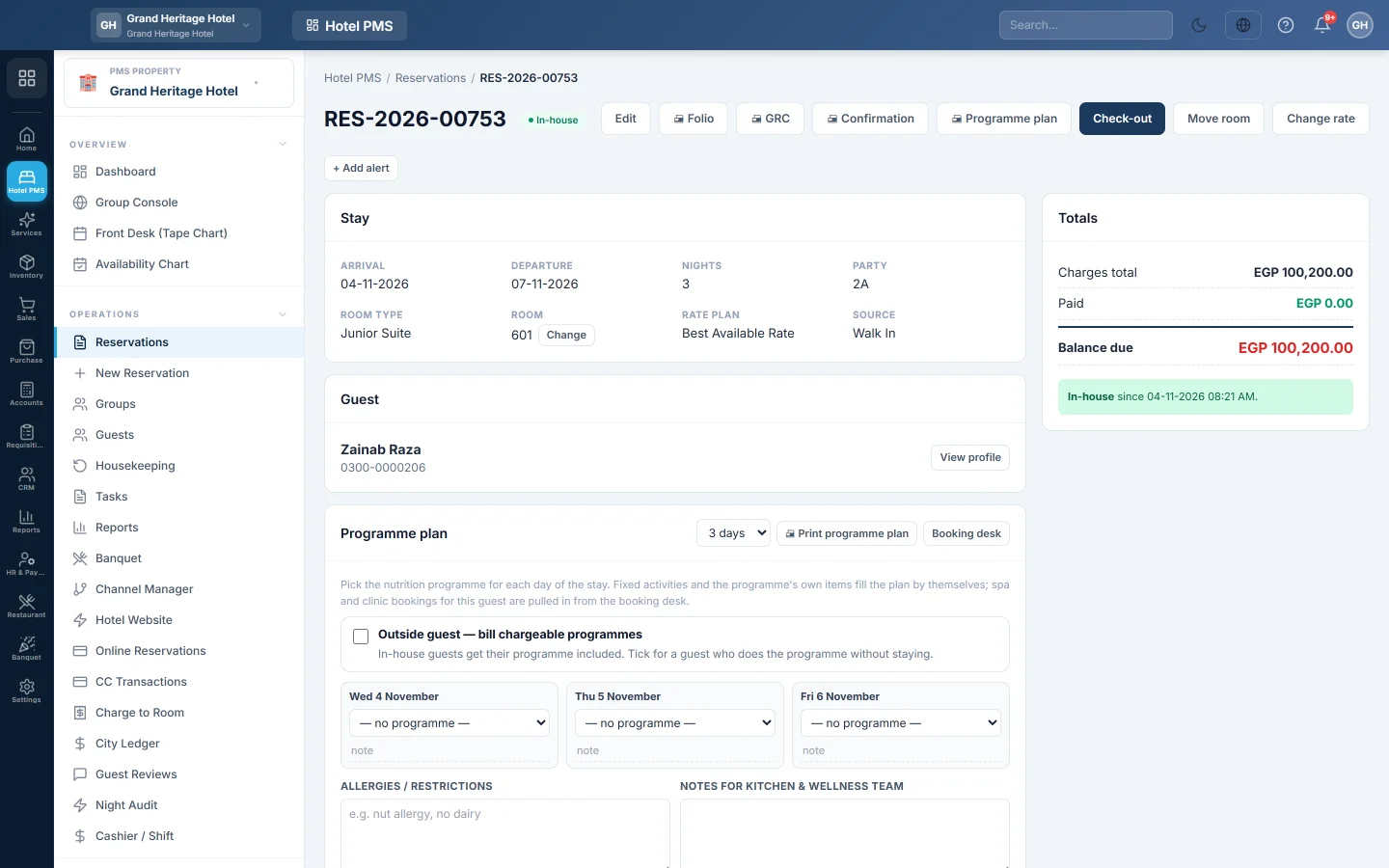
Use it on the booking: open it from Hotel → Operations → Reservations, or click the guest's bar on the Front Desk (Tape Chart). The Use loyalty points panel is under the booking's details.
Switch it on
- Open Hotel → Setup → Property Settings.
- On Guest online account, tick Guests can use their loyalty points at the front desk.
- Click Save Changes.
The switch is off until you turn it on. It cannot be ticked until your programme gives points a value.
Take points off the bill
- Open the guest's booking.
- Read the panel: for example, Sara Khan has 2,400 points, worth Rs 2,400.
- If the stay has more than one folio, pick the Folio. Otherwise you see the Folio balance.
- Enter the Amount to take off, for example 1,500. The panel says how many points it uses.
- Click Use points, then Use points again to confirm.
The folio gets one line, Loyalty points redeemed (1,500 points), and the guest's points go down. Then take the rest of the payment and settle as usual. See Check out and settle a folio.
How much can come off
The most you can take off is the smallest of:
- What the guest's usable points are worth. Expired points cannot be spent.
- What the guest still owes on that folio.
- What the folio's charges can take as a discount today.
The guest also needs at least the programme's Minimum to redeem. The panel shows Up to … can be taken off this folio. When part of the bill cannot take a discount yet, it says so, for example The rest of the bill cannot take a discount until the night audit has run.
When points cannot be used
The panel says why, for example:
- The stay is complimentary, billed to a company, or sold by a travel site or an agent.
- The folio belongs to a company or another person, is complimentary, is locked (No-Post), or is settled. Re-open a settled folio first.
- The hotel is priced in another currency than your company.
- No points programme with a point value runs at this hotel today.
Undo a redemption
- Find the redemption in the panel's list, for example 1,500 points used: Rs 1,500 off folio 1.
- Click Undo, then Undo to confirm.
An opposite line goes on the folio and the points go back to the guest. A settled folio must be re-opened first with Reverse Settlement. If someone already removed the line another way, the button reads Give the points back.
What happens in the books
Points are a discount, not a payment, as at the till. The line lowers the bill and the revenue it is booked against: Other Income, or Room Revenue at a hotel that does not run the night audit. Nothing is posted to a liability.
When the night audit has already counted the bill, EloERP posts a journal voucher at once: Other Income is debited and Guest Ledger (In-House) is credited with the amount.
Common questions
The panel is missing. The switch is off for this hotel, or the guest is not checked in yet.
It says the guest needs more points. They are below the programme's Minimum to redeem.
Can guests use their points online? No. Guests use them only at the front desk.
Does the guest still earn points on this stay? Yes, on what they paid. The discount is not counted as paid. See Give guests loyalty points on hotel stays.
Can I use points on a closed folio? No. Click Reverse Settlement on the folio first, then use the points and settle it again.
Gracias. Si todavía necesita ayuda, escriba a info@eloerp.net.