COD Reconciliation
Count the cash on delivery a rider hands in, match it to the orders they delivered and post it to cash or bank, with any short or over.
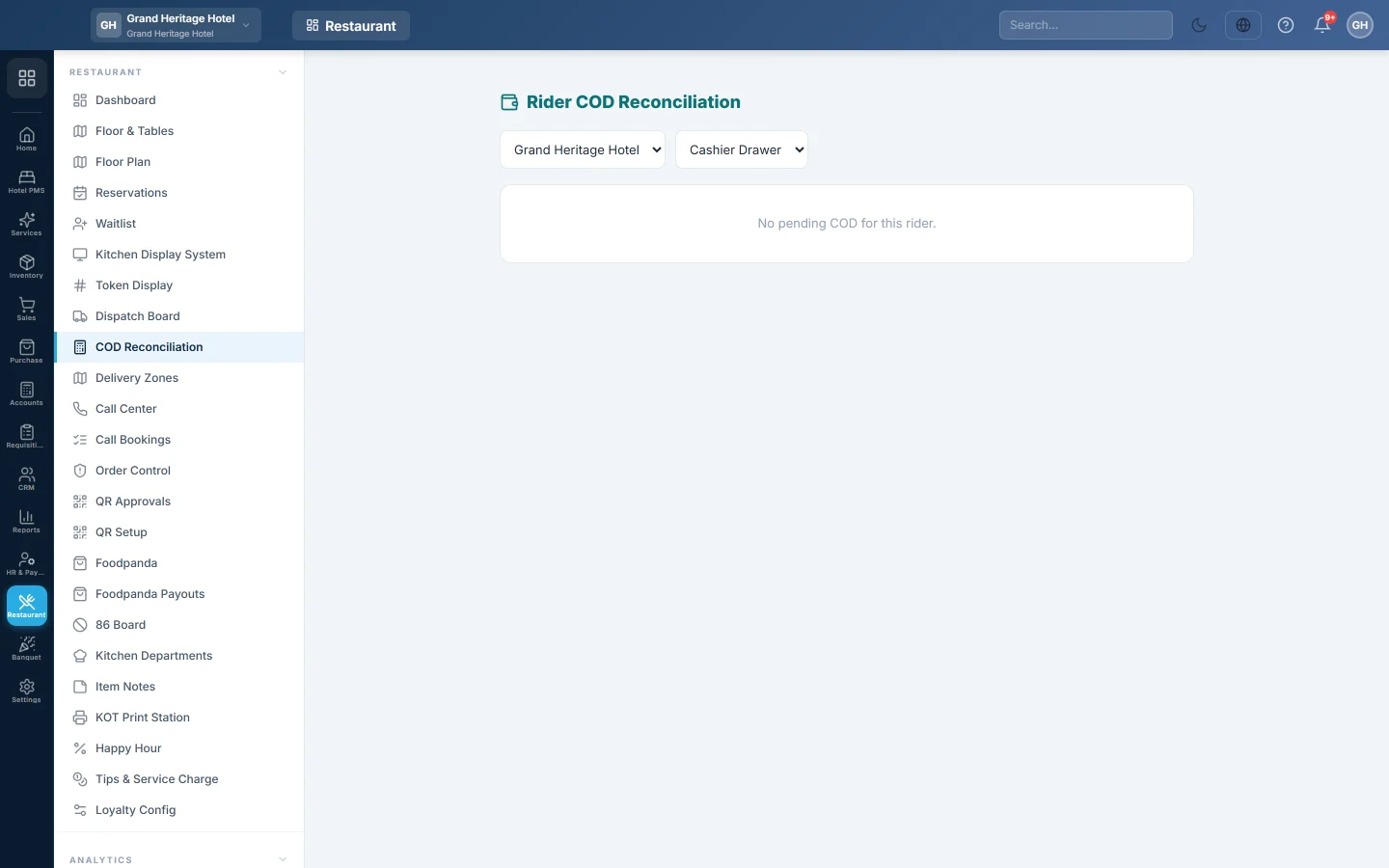
When a rider comes back, the cash they collected is still counted as "with the rider". On this screen the cashier counts it, ticks the deliveries it covers and posts it into the drawer or the bank.
Before you begin
- Delivery must be switched on for your company (Delivery & riders, turned on by your service provider).
- Your role needs Reconcile Rider COD. See Users & Roles.
- The orders were marked delivered on the Dispatch Board or by the rider on their phone.
Where to find it
Open Restaurant → Restaurant → COD Reconciliation, or click Reconcile on a delivered card on the Dispatch Board. The screen shows the branch selected in the top bar.
Post a rider's cash
- Choose the rider in Select rider…. Their delivered, unreconciled cash-on-delivery orders appear, all ticked.
- Untick any order whose cash the rider has not handed in.
- Choose where the cash goes: Cashier Drawer, Bank or Rider Float.
- Count the cash and type it in Cash received. It starts at Expected (selected).
- Check the line below: Balanced, Short (red) or Over (green), with the difference.
- Click Post Remittance.
The orders leave the list and the board, and close. Each posting gets a number such as RMT-00001.
What happens in the books
EloERP posts a rider remittance voucher:
- Cash in Hand (or the bank) is debited with the Cash received.
- Rider COD Clearing is credited with what the rider collected for the ticked orders.
- A Short is debited to Cash Short/Over; an Over is credited to it. EloERP creates this ledger the first time it is needed.
- If the rider collected less than the bill on an order, the gap is also written off from Rider COD Clearing to Cash Short/Over, so the clearing account comes back to zero.
The rider's own screen
A user with the Rider role signs in to a simple phone screen instead of the menus. It shows Active, Delivered and Cash in hand at the top, then one card per order with the customer's phone (tap to call) and address.
- Tap Accept when a job is assigned.
- Tap Picked Up when leaving with the food.
- Tap Delivered, check the cash in Confirm Delivery and tap Mark Delivered.
- If the delivery cannot be made, tap Failed, pick a reason such as Customer not available or Wrong address, and tap Report Failed.
Cash in hand is the cash the rider still has to hand in, the same amount this screen expects.
Common questions
The rider's list is empty. Nothing is waiting: the orders are not marked delivered yet, were prepaid, were already posted, or belong to another branch. Switch the branch in the top bar if needed.
The rider handed in part of the cash. Tick only the orders the cash covers and post those. The rest stay for the next remittance.
Why is a prepaid order not listed? It was paid before it left, so the rider carries no cash for it.
I posted the wrong amount. There is no void button on this screen yet. Ask your accountant to correct it with a journal voucher, see Journal Voucher (JV).
Teşekkür ederiz. Hâlâ yardıma ihtiyacınız varsa info@eloerp.net adresine yazın.