Payroll Reports
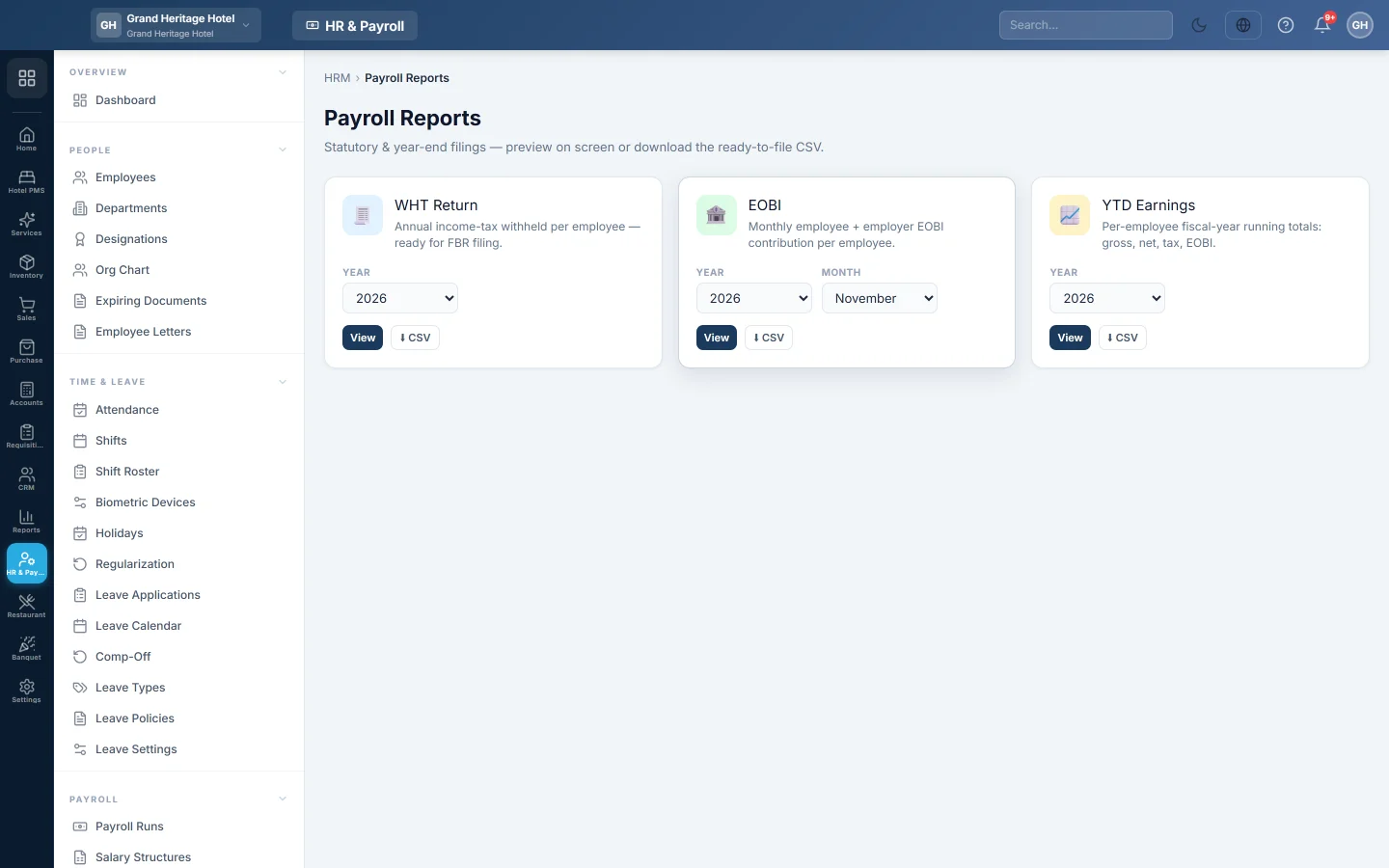
The statutory and year-end payroll filings, namely the WHT Return, the monthly EOBI list and year-to-date earnings, previewed on screen and downloaded as CSV.
Payroll Reports gives the ready-to-file statutory lists: income tax withheld for the year, the month's EOBI contributions, and each employee's year-to-date totals.
Before you begin
- Payroll runs exist for the period, with Apply Tax/EOBI/OT applied. See Payroll Runs.
Where to find it
Open HR & Payroll → Payroll → Payroll Reports.
The reports
| Report | What it lists |
|---|---|
| WHT Return | Income tax withheld per employee for the year, ready for filing with the tax authority. |
| EOBI | The month's employee and employer EOBI contribution per employee. |
| YTD Earnings | Each employee's running totals for the fiscal year: gross, net, tax and EOBI. |
Run a report
- On the report's card, pick the Year, and the Month for EOBI.
- Click View to preview it on screen. The preview shows the first 10 rows.
- Click CSV to download the full list.
Common questions
Why does a report say "No data for this period"? No payroll run exists for that year or month, or tax and EOBI were not applied to it.
Where are the tax certificates for each employee? On HR & Payroll Reports, under Statutory: the Tax Deduction Certificate and the Income Tax (WHT) Statement.
How do I record paying the tax or EOBI? Post a Payment Voucher (PV) against Income Tax Payable or EOBI Payable.
Terima kasih. Jika masih butuh bantuan, kirim email ke info@eloerp.net.