Leave Calendar
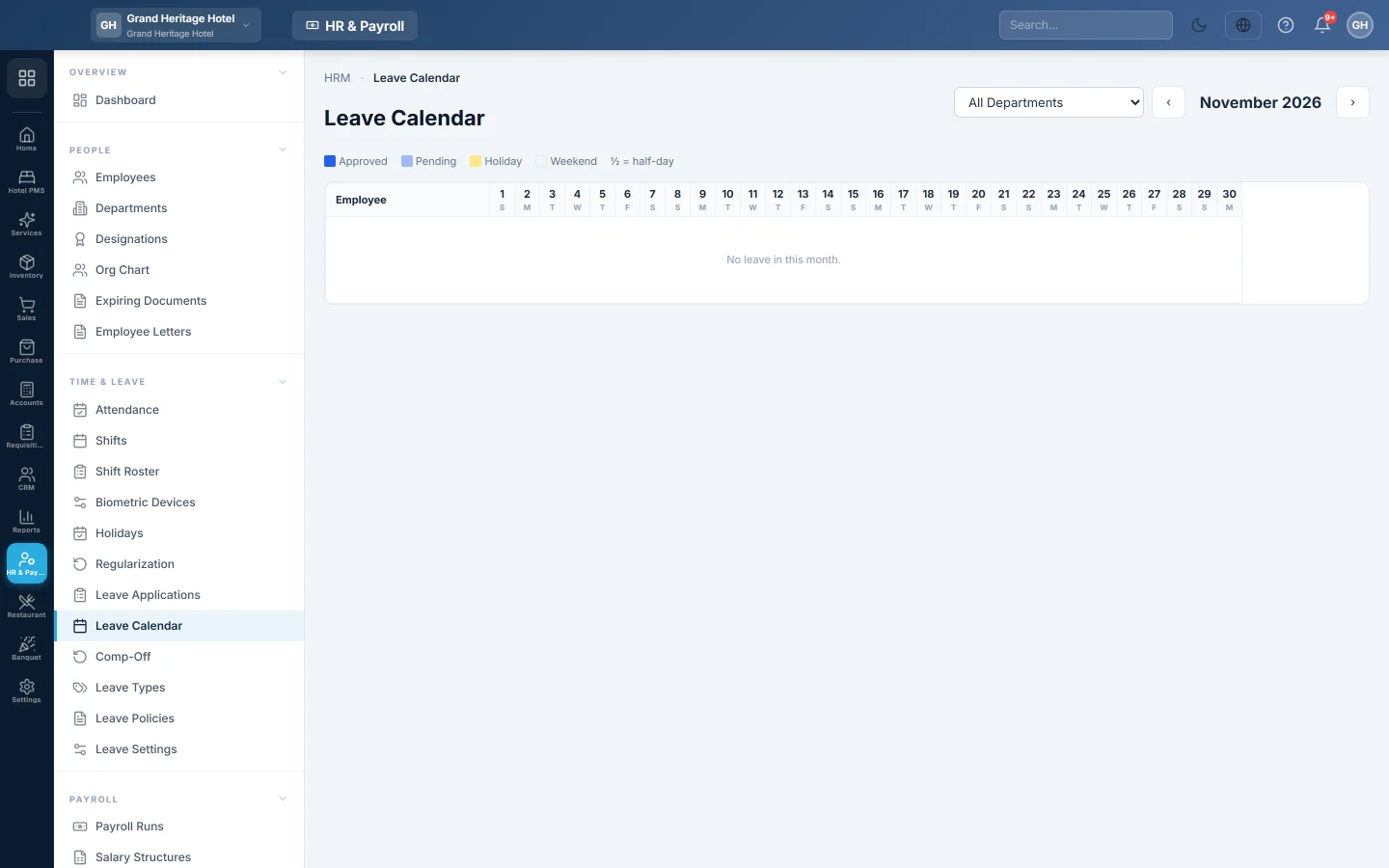
A month view of who is on leave each day, with approved and pending leave, weekends and holidays.
The Leave Calendar shows a month at a time, one row per employee, with every day of leave marked. Use it to plan cover before you approve more leave.
Before you begin
- Leave is applied for on Leave Applications.
Where to find it
Open HR & Payroll → Time & Leave → Leave Calendar.
Read the calendar
- Move to the month you want.
- Pick a department, or leave All Departments.
- Read each employee's row. The key shows Approved and Pending leave, Weekend and Holiday. ½ marks a half day.
Common questions
Why is pending leave shown? So you can see clashes before you approve it.
Why is the calendar empty? No leave was applied for in that month, or the department filter hides it.
Can I approve leave from the calendar? No. Approve it on Leave Applications.
Este artigo foi útil?
Obrigado. Se ainda precisar de ajuda, escreva para info@eloerp.net.