Custom Fields
Add your own details to every subscription, such as a connection ID, router serial, locker number or unit number, and choose which print on the invoice.
Custom fields hold the details your business keeps for each subscriber: a connection ID, a router serial, a locker number, a unit or meter number. They appear on the subscription form and, if you choose, on every invoice.
Before you begin
- Your role needs permission to manage Subscriptions settings. See Users & Roles.
Where to find it
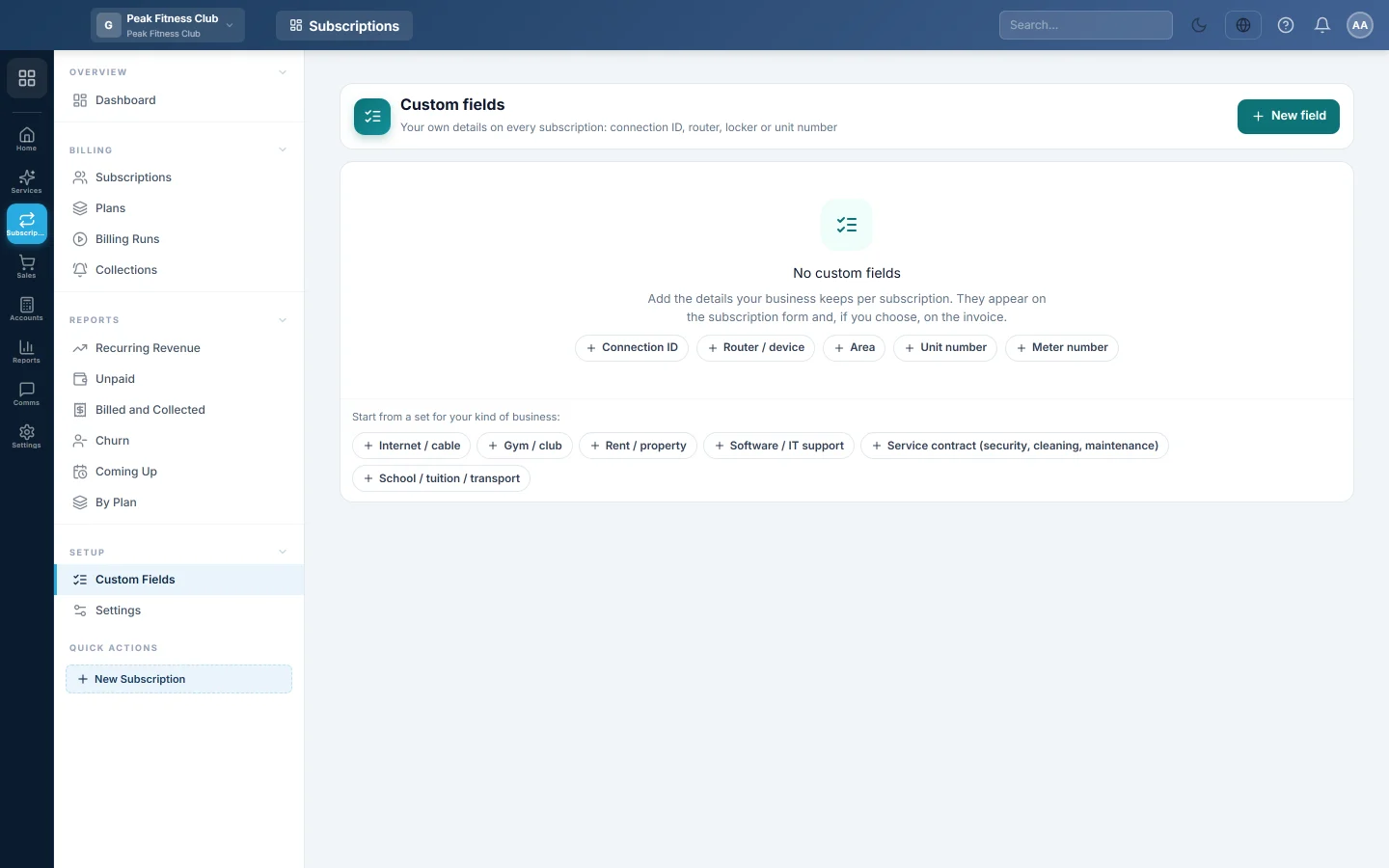
Open Subscriptions → Setup → Custom Fields.
Start from a ready set
When you have no fields yet, the page offers sets for common businesses: Internet / cable, Gym / club, Rent / property, Software / IT support, Service contract (security, cleaning, maintenance) and School / tuition / transport.
- Under Start from a set for your kind of business, click the set that fits.
- Its fields are added at once. Change or delete any of them afterwards.
The Internet / cable set, for example, adds Connection ID, Username, Router / ONT serial, Area and Installation date.
Add a field
- Click New field.
- Type the Label, for example "Locker number".
- Pick the Type: Text, Number, Date, List or Yes / No.
- For a List, type the choices in Options, one per line.
- Tick Required on every subscription if no subscription may be saved without it.
- Tick Print on the invoice to show it on every invoice of that subscription.
- Click Save field.
Change or remove a field
- Click a field in the list to change it, then click Save field.
- Click its delete button and confirm with Remove. Values already saved stay on the subscriptions.
Common questions
Where do I fill these in? In the Details section of the New subscription form, or with Edit on a subscription. See Subscriptions.
Can I search the subscription list by a custom field? The list searches by customer, phone, number and Reference. Put the account name your router knows in Reference if you need to find customers by it.
I made a field required. What about older subscriptions? They keep billing. The field must be filled the next time someone saves changes to them.
شكرًا لك. إذا كنت لا تزال بحاجة إلى مساعدة، راسلنا على info@eloerp.net.