Coming Up
What the billing run will raise in the next 7, 30 or 90 days, by day and by subscription.
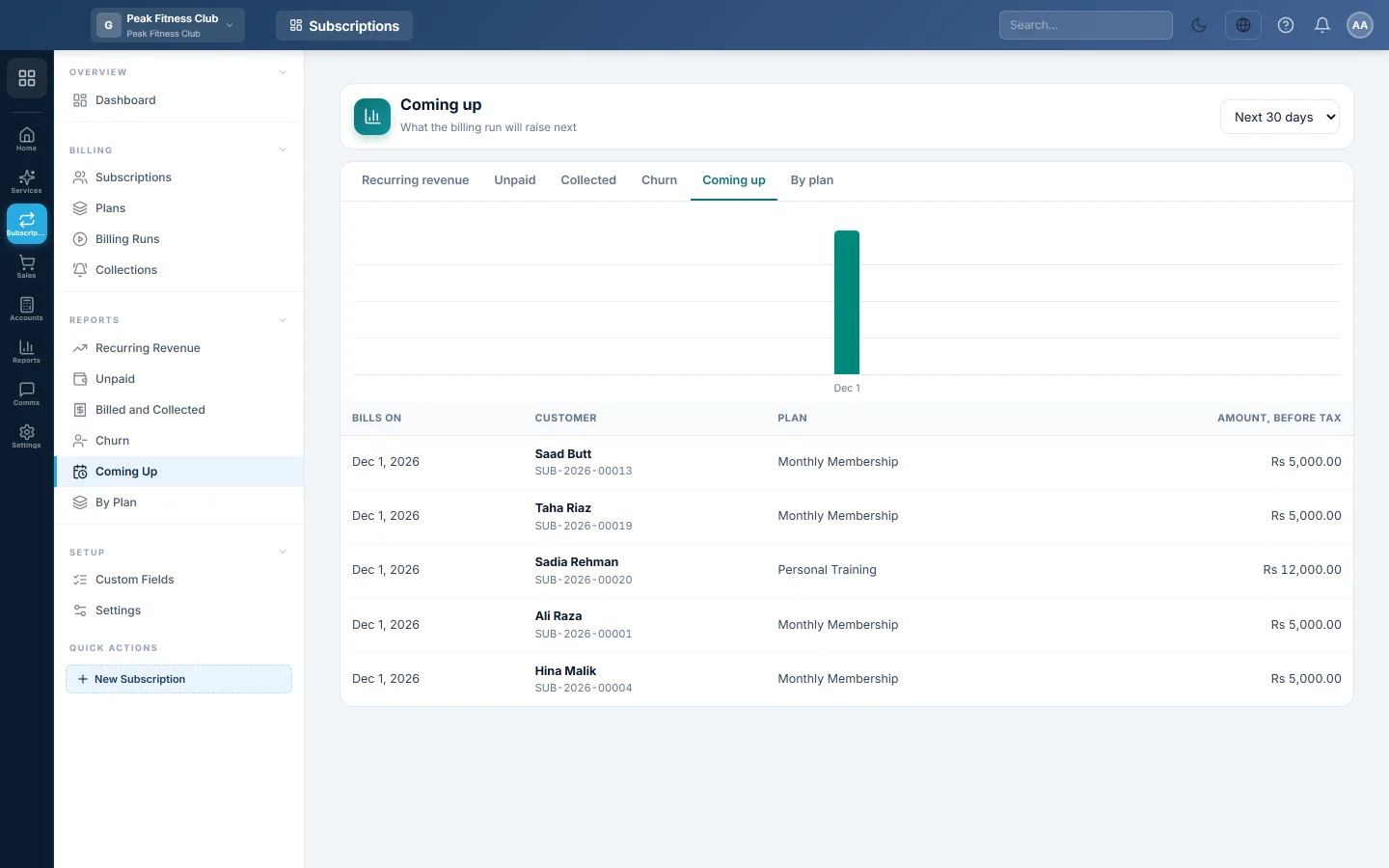
The Coming up report shows what the billing run will raise next. Use it to plan cash flow and to check a subscription's next invoice before it is raised.
Before you begin
- Your role needs permission to view Subscriptions reports. See Users & Roles.
Where to find it
Open Subscriptions → Reports → Coming Up. The tabs at the top switch between all six Subscriptions reports.
Run the report
- Pick Next 7 days, Next 30 days or Next 90 days.
- If you have more than one branch, pick a branch or leave All branches.
Read the report
- The chart shows the amount expected on each billing day, before tax.
- The table lists each live subscription with its next invoice in the window: Bills on, Customer, Plan and Amount, before tax. Click a row to open the subscription.
A subscription whose bill date has already passed, but is not yet billed, is shown under today.
Common questions
Why is the amount lower than the invoice will be? The report shows the plan price × quantity, less the customer's discount. Tax, setup fees and extra lines are added when the invoice is raised.
A weekly plan bills several times in 90 days. Why is it listed once? The report lists each subscription's next invoice only.
Are paused or suspended subscriptions included? No. Only live subscriptions are listed: active, on trial or past due.
How do I raise one of these invoices today? Open the subscription and click Bill now. See Subscriptions.
Thank you. If you still need help, write to info@eloerp.net.