Reviews
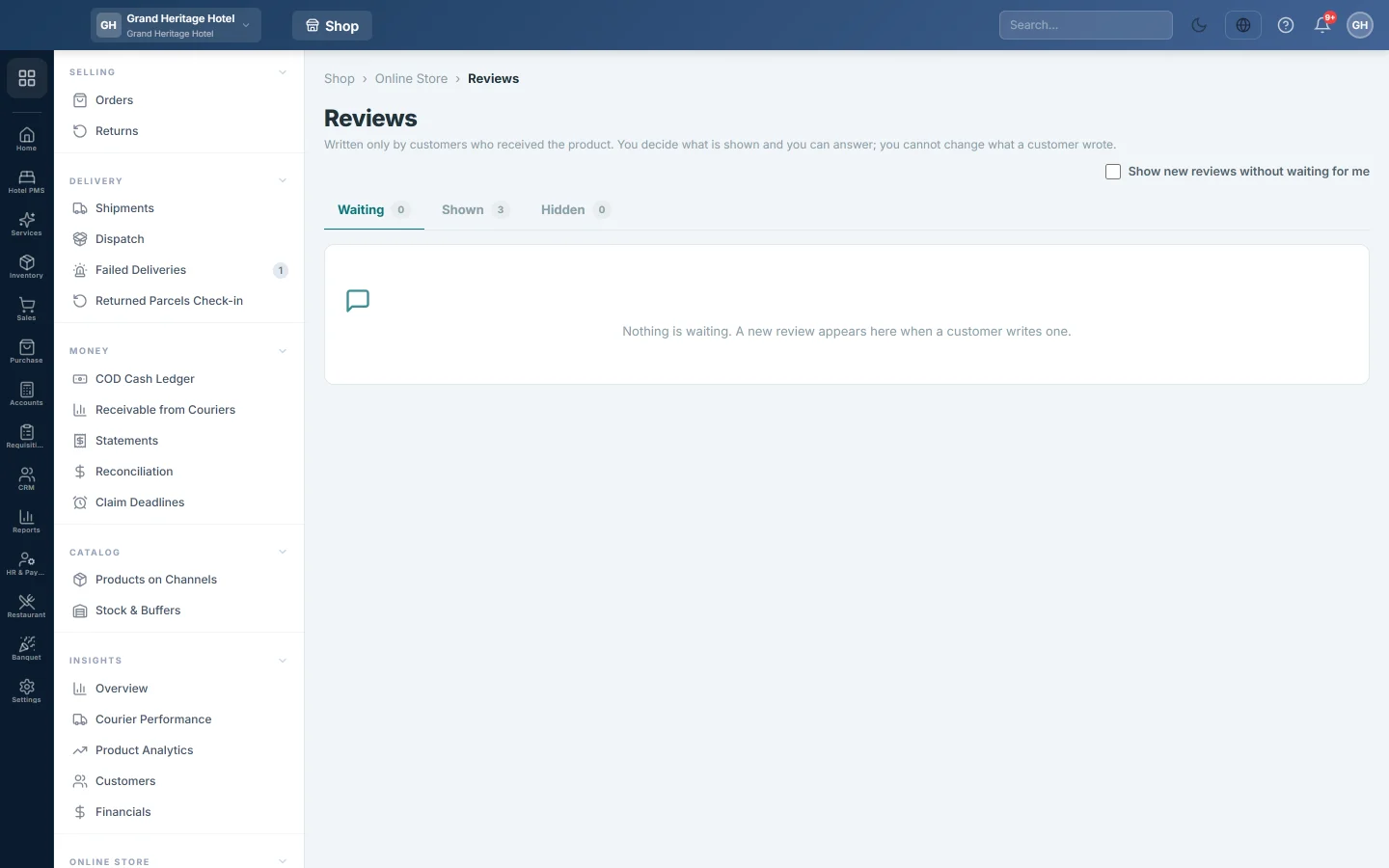
Decide which customer reviews show on your online store's product pages, and answer them.
Reviews lists what customers wrote about the products they bought on your online store. You decide what is shown and you can answer, but you cannot change what a customer wrote.
Before you begin
- The online store must be switched on for your company by your service provider, and only a company administrator can open this page.
- Only a customer whose order was delivered can review the product. They write it from their order page on the store, which marks it Verified buyer.
Where to find it
Open Online shop → Online Store → Reviews.
Show or hide a review
New reviews wait on the Waiting tab until you decide. The title shows how many are waiting for you.
- Read the stars, the title, the text and any photos.
- Click Show to put it on the product page, or Hide to keep it off.
Shown reviews move to the Shown tab and hidden ones to Hidden. You can change your mind later: a hidden review has a Show button, and a shown one has Hide.
Answer a review
- Click Answer on the review.
- Type your answer. It is shown under the review on the store.
- Click Save answer.
To change it later, click Change answer.
Show reviews without checking them first
Tick Show new reviews without waiting for me at the top right. New reviews then go on the product page at once. Untick it to check each one first.
Common questions
Can I edit a customer's review? No. You can only show it, hide it or answer it.
Where do customers see reviews? On the product page of your store, with the average rating and the number of reviews.
Why can a customer not review a product? They can review only once their order has been delivered.
Does hiding a review change the rating? Yes. Only shown reviews count towards the rating on the store.
Vielen Dank. Wenn Sie weitere Hilfe brauchen, schreiben Sie an info@eloerp.net.