Coupons
Make coupon codes that shoppers type at the cart of your online store for a percentage off, an amount off or free delivery.
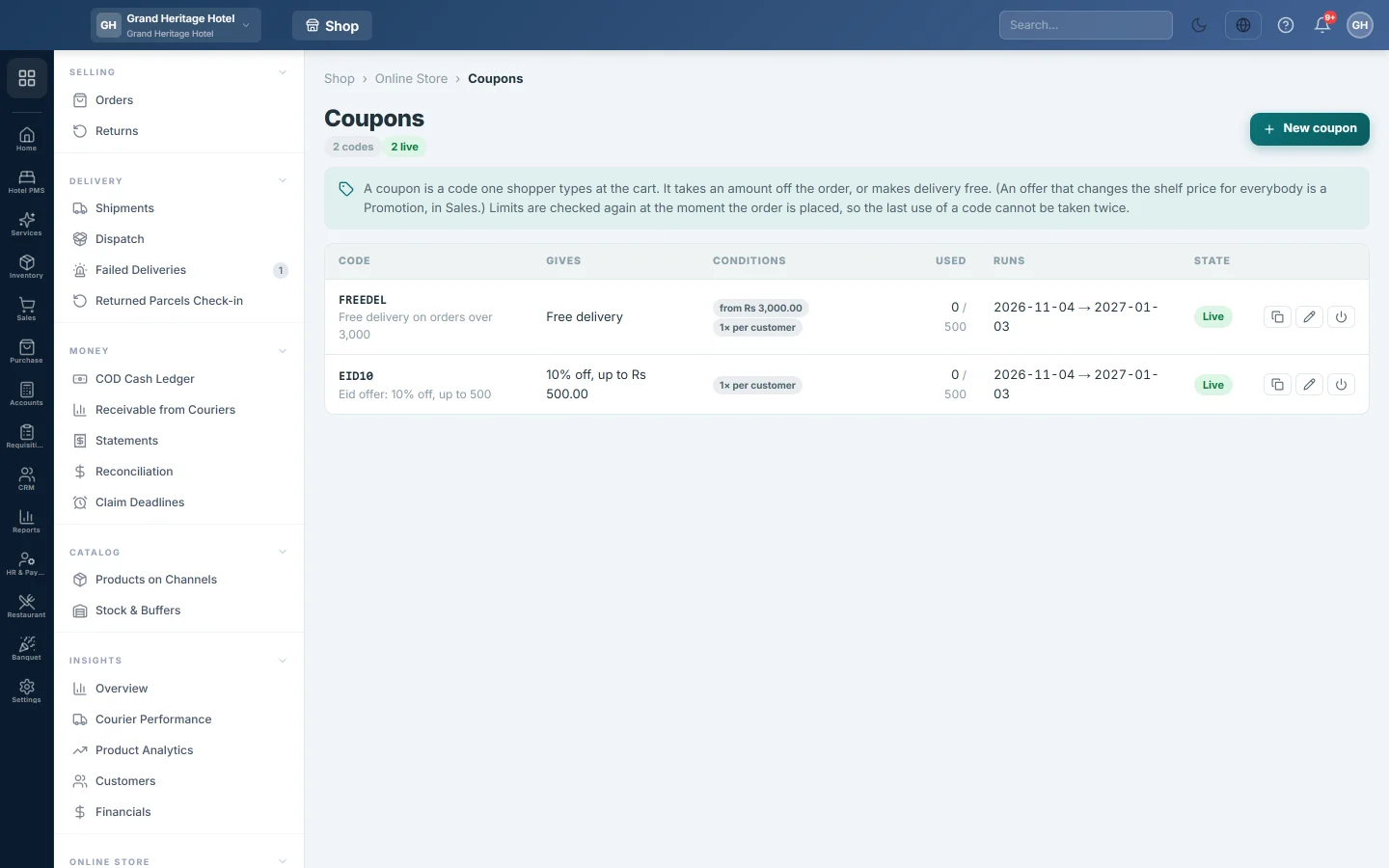
A coupon is a code one shopper types at the cart of your online store. It takes a percentage or an amount off the order, or makes delivery free.
Before you begin
- The online store must be switched on for your company by your service provider, and only a company administrator can open this page.
- An offer that changes the shelf price for everybody is a promotion, not a coupon. See Promotions.
Where to find it
Open Online shop → Online Store → Coupons.
Make a coupon
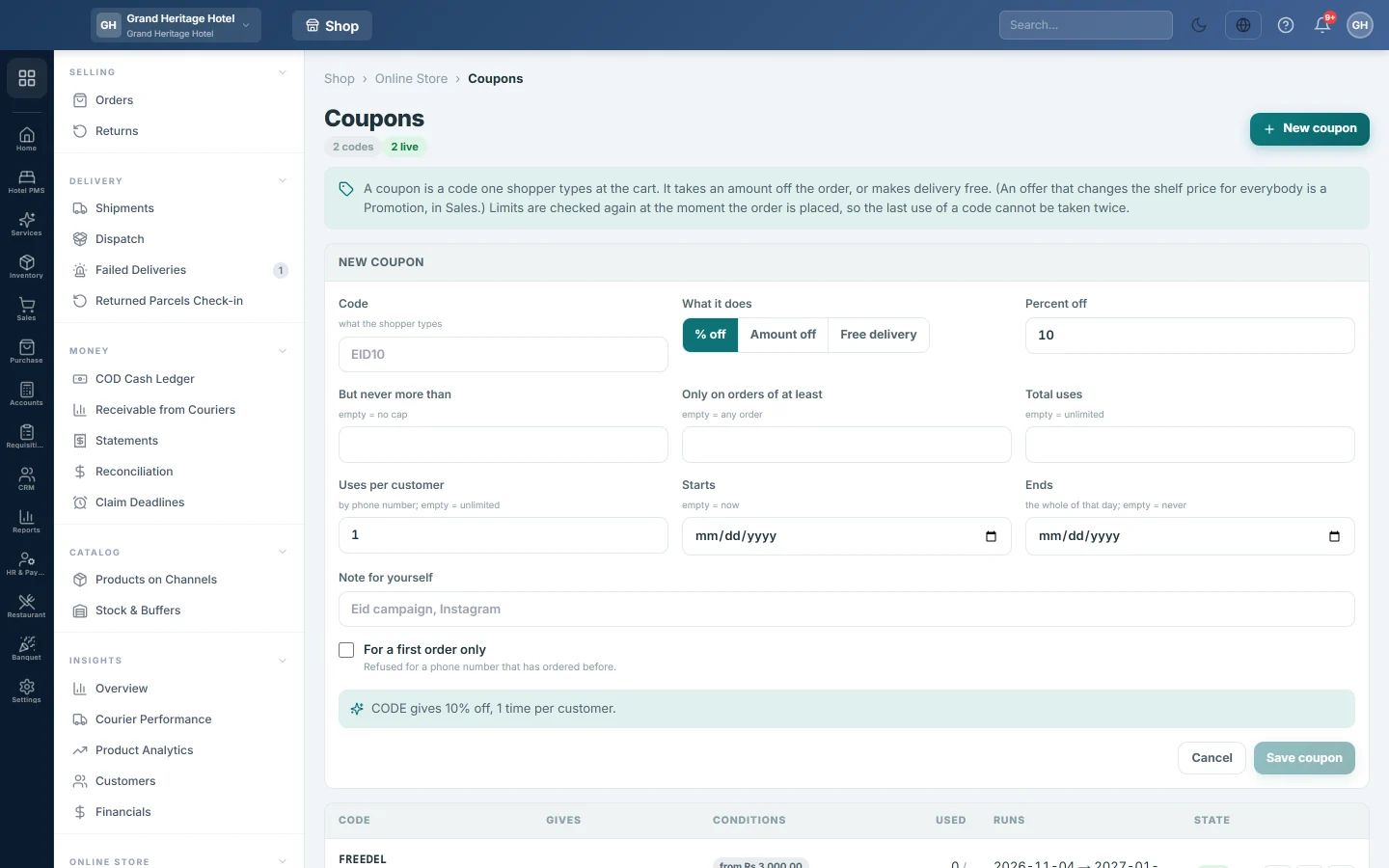
- Click New coupon.
- Type the Code the shopper will type, for example EID10. Letters, numbers, dashes and underscores only; it is saved in capitals.
- Under What it does, choose % off, Amount off or Free delivery.
- For % off, enter the Percent off and, optionally, But never more than to cap the discount. For Amount off, enter the amount.
- Optionally fill in Only on orders of at least, Total uses and Uses per customer. Uses per customer starts at 1 and counts by phone number.
- Optionally set Starts and Ends. A coupon ends at the end of its Ends day.
- Tick For a first order only to refuse it for a phone number that has ordered before.
- Optionally add a Note for yourself, such as Instagram campaign.
- Read the sentence under the form. It says what the coupon does, so you can catch a mistake.
- Click Save coupon.
Read the list
| Column | What it shows |
|---|---|
| Code | The code, and your note under it. |
| Gives | What the coupon takes off, for example 10% off, up to Rs 500. |
| Conditions | The minimum order, first order and the limit per customer, or any order. |
| Used | How many times it was used, out of the total allowed. |
| Runs | The start and end dates. |
| State | Live, Scheduled, Ended, Used up or Off. |
The buttons on each row copy the code, open it to Change it, or Switch off and Switch on.
How the shopper uses it
The shopper types the code in Coupon code in the cart and clicks Apply. The store says why a code is refused, for example that it has expired, needs a bigger order or is for a first order only. Every limit is checked again when the order is placed, so the last use of a code cannot be taken twice.
Common questions
Can I delete a coupon? No. Click Switch off instead. The code stops working and stays in the list with its use count.
Can I change the code of a coupon? No. The code cannot be edited once saved. Switch the old one off and make a new one.
Does a percentage coupon take off delivery too? No. % off and Amount off are taken from the goods total. Use Free delivery to waive the delivery charge.
How does it know a customer's first order? By phone number. Any earlier order from that number that was not cancelled counts.
Terima kasih. Jika masih butuh bantuan, kirim email ke info@eloerp.net.