Set up recipes and food cost
Give each dish a recipe of raw ingredients, so selling it uses up the ingredients from stock, books the real food cost and shows the plate cost and food cost %.
A recipe lists the raw ingredients one portion of a dish uses. When the dish is sold, EloERP takes those ingredients out of stock and books their cost as food cost, so you see your real kitchen stock and margin.
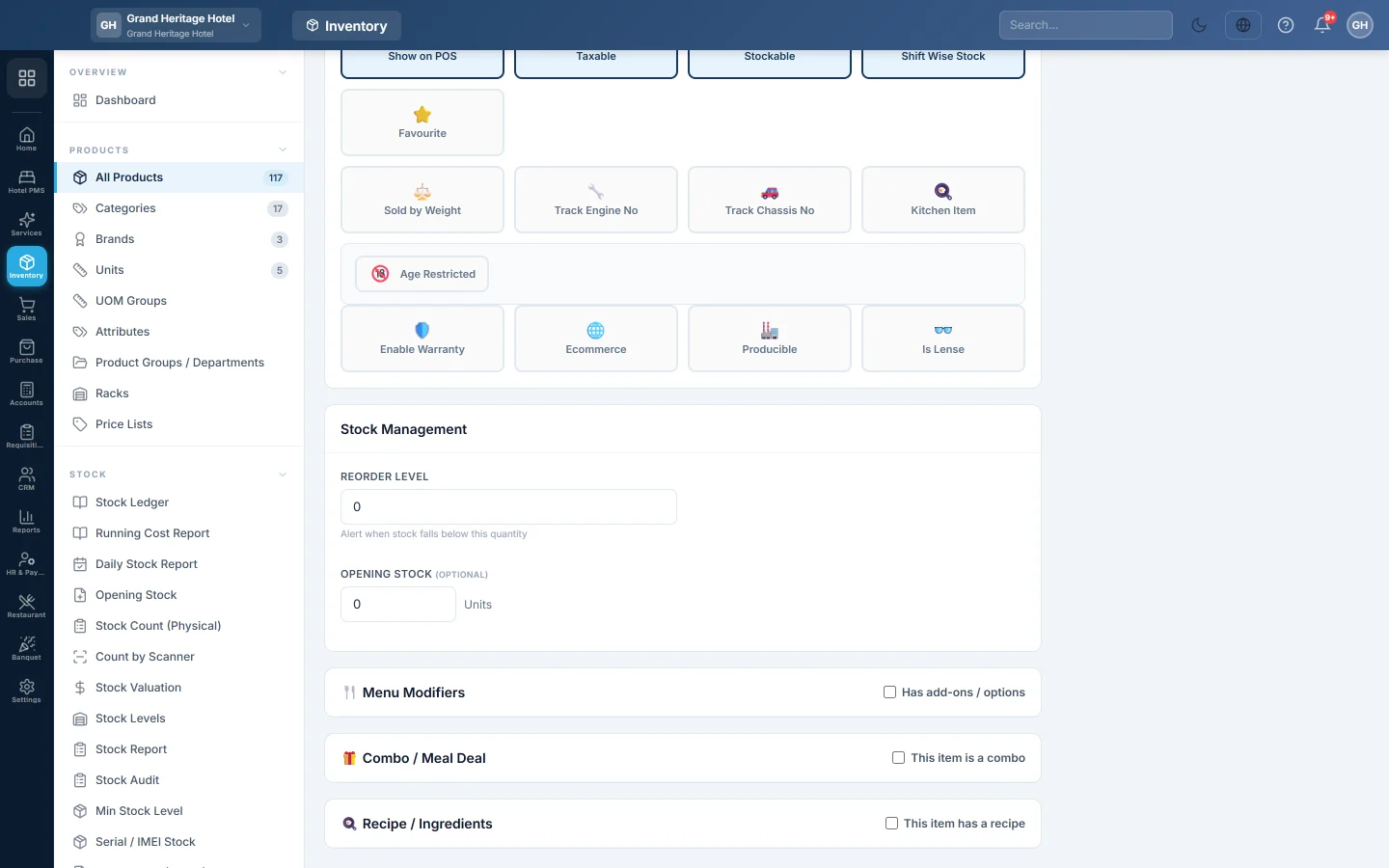
Before you begin
- Each ingredient is a product with Stockable ticked and a Cost Price, for example Chicken (kg) or Basmati Rice (kg). See All Products.
- The ingredients are in stock in the warehouse the dishes sell from. Buy them in through purchases as usual.
- The dish is set up as a menu item, see Menu Items.
- The Recipe / Ingredients section shows only for companies with the Restaurant module.
Where to find it
Open Restaurant → Quick Links → Menu Items and open the dish. The recipe is near the bottom of the product form.
Add a recipe to a dish
- On the dish, untick Stockable. A cooked dish is made to order, so its ingredients carry the stock, not the dish.
- Scroll to 🍳 Recipe / Ingredients and tick This item has a recipe.
- Type in Search ingredients to add… and click the ingredient.
- Type the Qty one portion uses.
- If the recipe unit differs from the stock unit, set ×Conv. For example, 250 grams of a stock kept in kg is Qty 250 with ×Conv 0.001.
- Type the Waste% for trimming or cooking loss, if any.
- Repeat for each ingredient. ✕ removes one.
- Check Theoretical plate cost and the % food cost against the sale price.
- Click Save & Publish.
What happens when the dish is sold
When a sale with the dish is posted, at the till or on a sale invoice:
- Each ingredient is taken out of the sale's warehouse: the portion Qty × ×Conv × the waste, times the number sold.
- It is valued at the ingredient's average cost in that warehouse, or its Cost Price if it has none.
- Stock may go below zero. A served dish is never refused for a missing ingredient, so check your ingredient stock.
- Only Stockable ingredients are used up.
A dish that has an automatic Make to Order bill of materials is handled by manufacturing instead, never both. See Bill of Materials.
What happens in the books
Each sale posts one food-cost voucher for all its recipe dishes: Food Cost is debited and Inventory is credited with the ingredients' cost. EloERP creates the Food Cost ledger under Cost of Goods Sold the first time.
- Cancelling the sale puts the ingredients back and reverses the voucher.
- A return restocks the dish by default. To put the ingredients back instead, set On return of a recipe item, put back to Raw materials in POS Settings. This applies online and on the offline till.
See your food cost
Open Restaurant → Analytics → Reports and the 🍳 Food Cost tab. Theoretical Plate Cost lists each dish's sale price, food cost, margin and Food Cost %. Actual Food Cost (period) and Ingredient Consumption (period) show what the period's sales really used. See Reports. The Dashboard also shows food cost %.
Ingredient movements show in the stock ledger as recipe consumption against each invoice.
Common questions
Selling the dish did not reduce the ingredients. Check the dish is not Stockable, the ingredients are Stockable, and the recipe was saved. Then sell it again; past sales are not redone.
The plate cost shows 0. The ingredients have no Cost Price. Fill it in, or buy them in so they get an average cost.
Can I use one recipe inside another, such as a sauce? Not in a recipe. Make the sauce a product and produce it with a Bill of Materials, then use the sauce as an ingredient.
Does a dropped plate use up ingredients? No. Wastage in the waiter app records it for the audit trail only; the ingredients stay in stock. Correct them with a stock count.
Спасибо. Если помощь всё ещё нужна, напишите на info@eloerp.net.