Loyalty Config
An older, single-programme view of the loyalty points settings; set up and change loyalty on Sales → Loyalty instead.
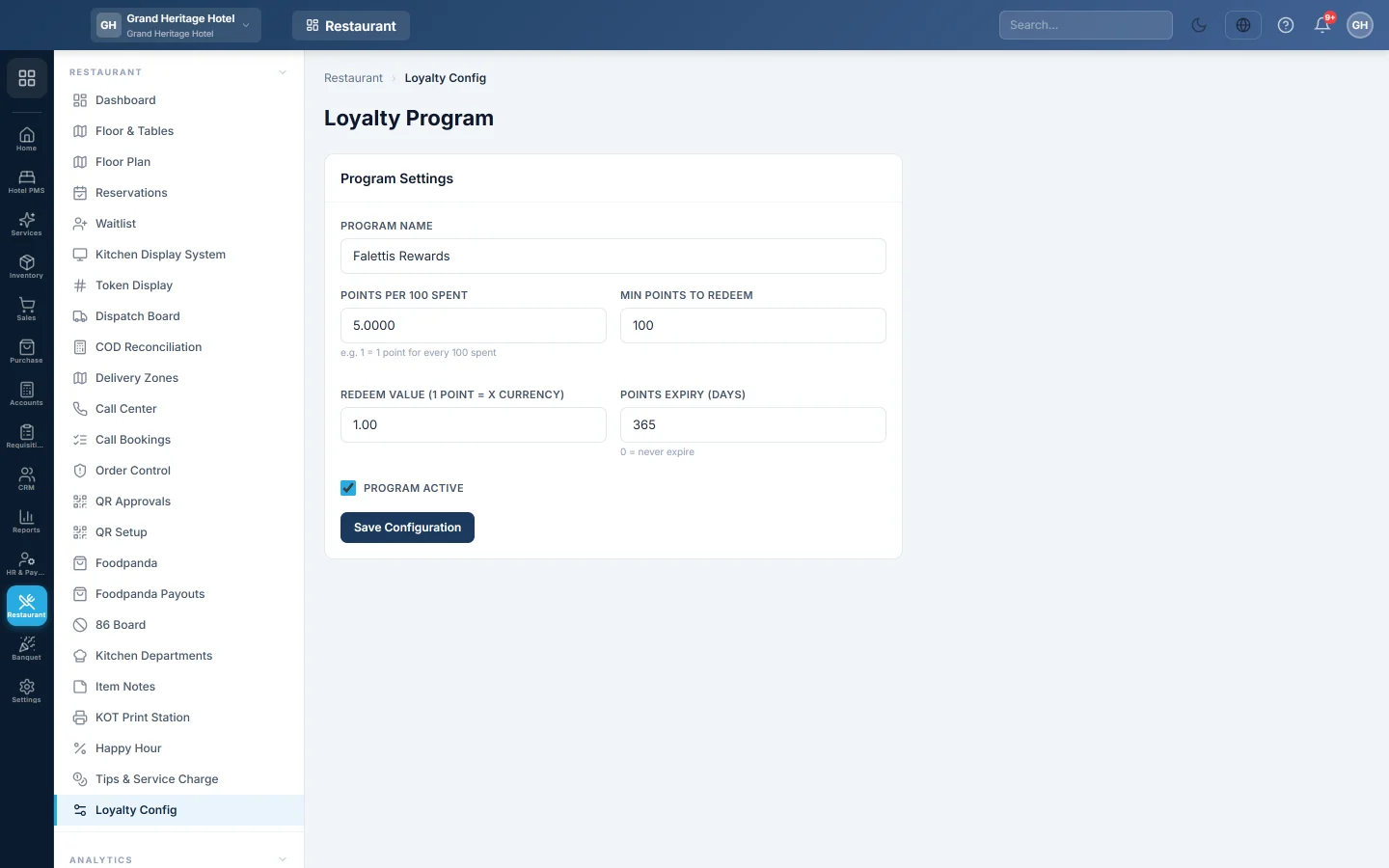
Loyalty Config shows the first loyalty programme of your company as one form. It is an older screen. Restaurant tills earn and redeem points from the programmes on Sales → Pricing & Offers → Loyalty, so set up and change loyalty there.
Before you begin
- Your role needs Manage Loyalty Config. See Users & Roles.
- Points are earned only on till sales to a saved customer. See All Customers.
Where to find it
Open Restaurant → Restaurant → Loyalty Config.
Use Sales → Loyalty instead
The Loyalty screen does everything this form does, and more:
- several programmes: points, a stamp card and cashback;
- a programme per branch, with start and end dates;
- spend tiers such as Gold that earn extra points.
The till, including the restaurant till, uses the programme that is active at that branch on that day. See Loyalty for how points are earned and redeemed.
What the fields mean
| Field | What it does |
|---|---|
| Program Name | The programme's name. |
| Points per 100 spent | Points earned per Rs. 100 of the bill. 1 gives one point per Rs. 100. |
| Min Points to Redeem | The fewest points a customer can use on a bill. |
| Redeem Value (1 point = X currency) | What one point is worth when redeemed, for example 1 for Rs. 1. |
| Points Expiry (days) | How long points can be used. 0 means they never expire. |
| Program Active | Untick to stop earning and redeeming. |
Common questions
How many points does 1 give? One point for every Rs. 100 on the bill, as the hint under the field says. 0.01 earns almost nothing.
Does saving here change my stamp card or cashback programme? No. Only the points programme shown on this screen is saved. Change the others on Loyalty.
Where do customers see their points? On the till, when you pick the customer. See Loyalty.
Merci. Si vous avez encore besoin d’aide, écrivez à info@eloerp.net.