Sample Data
Load example records into a trial or training company, for the hospital, hotel, services and subscriptions editions, so you can explore the system before your own data goes in.
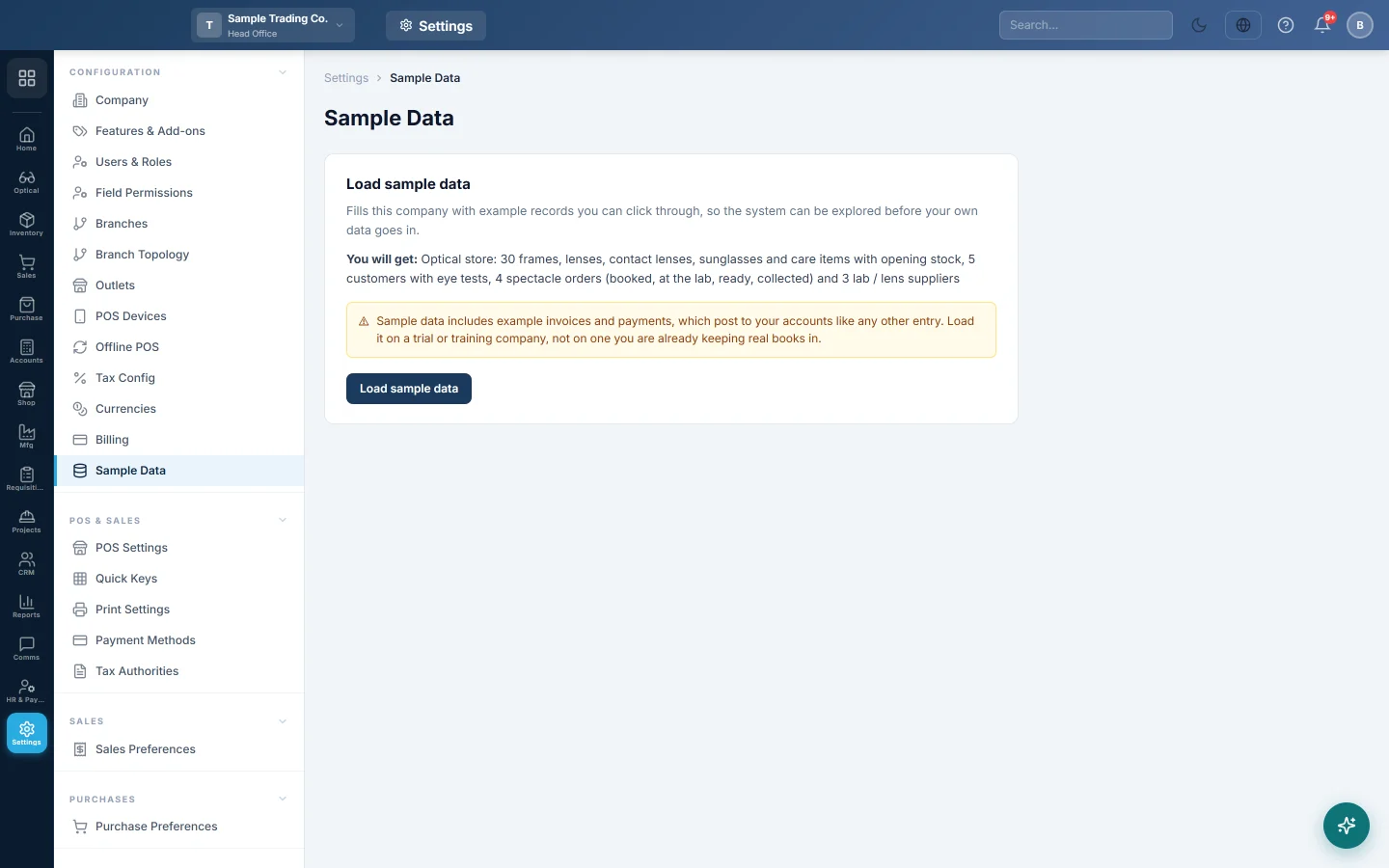
The Sample Data page fills the company with example records you can click through. Use it to explore the system, or to train staff, before your own data goes in.
Before you begin
- Sample data exists for the hospital, hotel, services and subscriptions editions. On any other edition the page says Not available for this edition.
- You need a role with the Edit Company Profile and Edit General Settings permissions to load it.
- Load it on a trial or training company only. Sample invoices and payments post to your accounts like any other entry.
Where to find it
Open Settings → Configuration → Sample Data.
Load sample data
- Read You will get to see what will be added.
- Read the warning below it.
- Click Load sample data.
- Wait while the status shows Queued and then Loading…. It usually takes a minute or two.
- When the status shows Loaded, open the modules and look around.
You can leave the page while it loads. The status updates on its own while you stay on it.
What you get depends on your edition:
| Edition | Sample records |
|---|---|
| Hospital | Doctors, patients, appointments, consultations and billed visits. |
| Hotel | Rooms, rates, guests and bookings. |
| Subscriptions | Plans, 25 subscribers and three months of invoices and payments. |
| Services | Staff, customers, bookings and job pipeline. |
Load it again or after a failure
- After a successful load the button reads Load again. Records that already exist are skipped, but a second pass can add more history.
- If the status shows Failed, read the note next to it, then click Try again.
Common questions
The page says "Not available for this edition". Your company is not on a hospital, hotel, services or subscriptions edition, so there is no sample data for it.
Can I remove the sample data later? This page has no remove option. Clear Data on Branches clears a branch's transactions but keeps master data, so plan to use a separate company for real books.
The button is greyed out. Sample data is already queued or loading. Wait for the status to change.
Will my staff see the sample records? Yes. The records go into the company itself, so everyone who works in it sees them.
Gracias. Si todavía necesita ayuda, escriba a info@eloerp.net.