Shifts
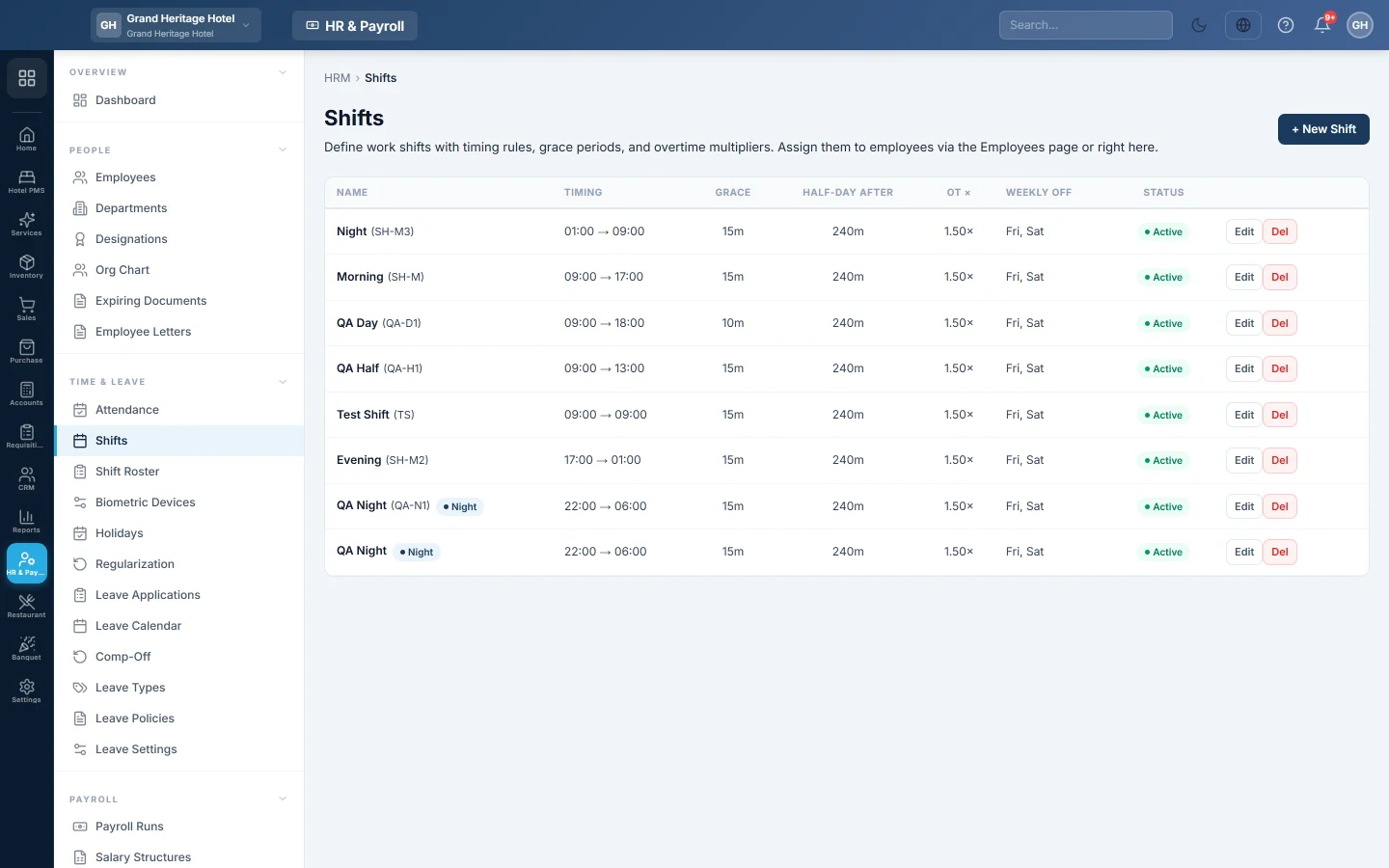
Define work shifts with start and end times, grace minutes, the half-day threshold, overtime rate and weekly off days.
A shift is a working pattern: when the day starts and ends, how late someone may come, when lateness counts as a half day, the overtime rate and the weekly off days. Attendance and payroll use it to judge each day.
Before you begin
- Your role needs the HR permissions to manage shifts. See Users & Roles.
Where to find it
Open HR & Payroll → Time & Leave → Shifts.
Create a shift
- Click New Shift.
- Type the Name, for example "Morning", and optionally a Code.
- Set the Start Time and End Time.
- Tick Night shift (spans midnight) if it ends the next day.
- Type the Grace (min). Someone is late if they arrive after the start time plus the grace.
- Type Half-day after (min late): arriving this many minutes late counts as a half day.
- Type the OT multiplier, for example 1.5 for time and a half.
- Under Weekly off days, click the days this shift is off.
- Leave Active ticked, add Notes if you like, and click Save.
Assign the shift to employees
Use Shift Roster: pick the shift, then the employees and the date it starts.
Change or remove a shift
Click Edit on its row to change it, or Del to delete it. Untick Active to keep its history but stop using it.
Common questions
What happens to someone without a shift? Their days are judged by the company's working week, set in Statutory & Tax Slabs.
Is overtime paid automatically? Only if overtime is switched on for the company and allowed on the employee's record. The multiplier here sets the rate.
Our staff rotate between day and night shifts. What do I do? Create both shifts and move people between them on Shift Roster with an Effective From date.
Vielen Dank. Wenn Sie weitere Hilfe brauchen, schreiben Sie an info@eloerp.net.