Billed and Collected
How much of what you invoiced to subscribers came in, month by month, and by which payment method.
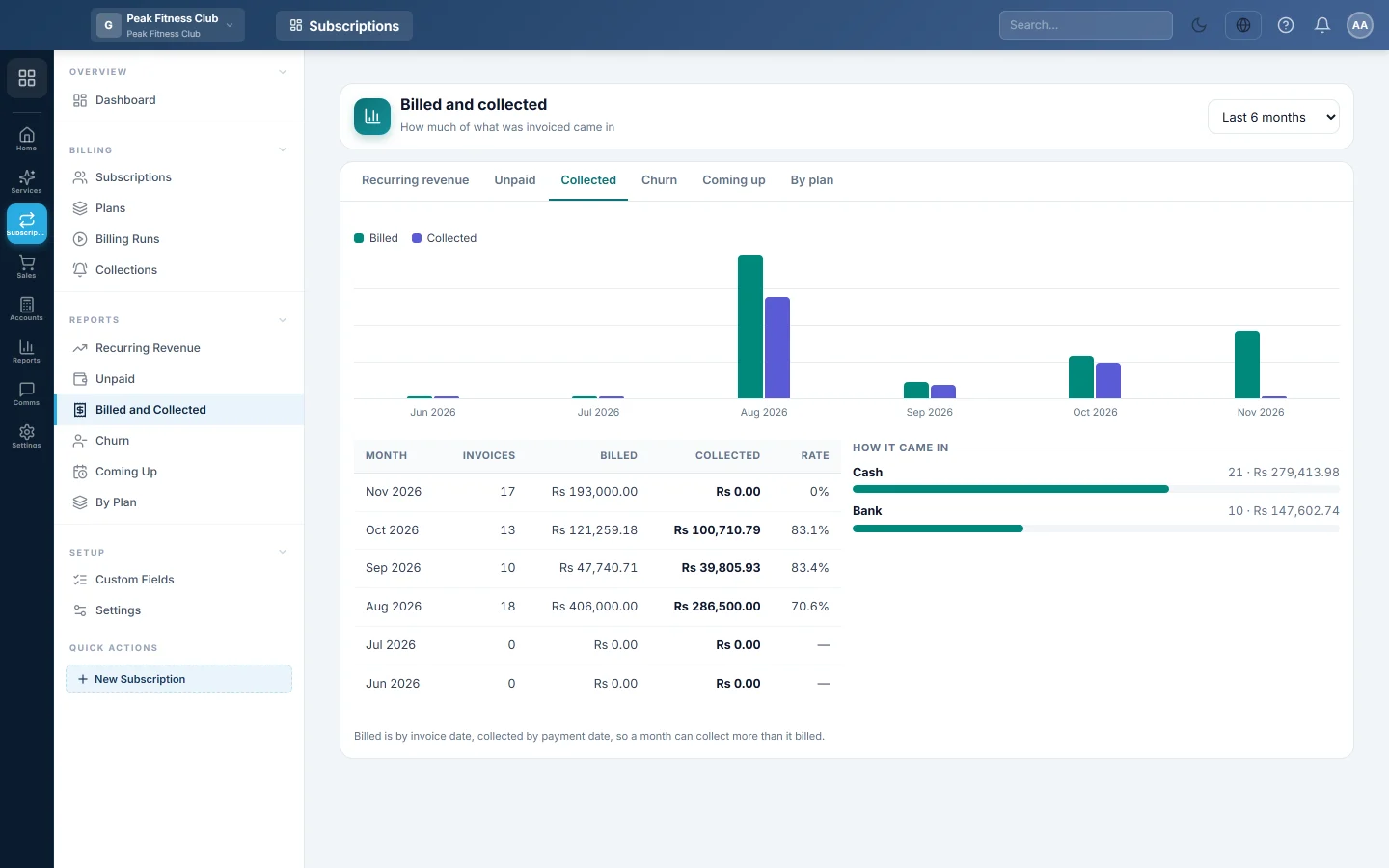
The Billed and collected report compares what you invoiced to subscribers each month with what they paid. It also shows how the money came in, by payment method.
Before you begin
- Customer payments are recorded against subscription invoices, by hand in Sales or through a pay link.
- Your role needs permission to view Subscriptions reports. See Users & Roles.
Where to find it
Open Subscriptions → Reports → Billed and Collected. On the report's own tabs it is called Collected.
Run the report
- Pick Last 6 months, Last 12 months or Last 24 months.
- If you have more than one branch, pick a branch or leave All branches.
Read the report
The chart shows Billed and Collected side by side for each month. The table shows:
| Column | Meaning |
|---|---|
| Month | The calendar month. |
| Invoices | How many subscription invoices were raised. |
| Billed | Their total, including tax. |
| Collected | Payments received on subscription invoices in that month. |
| Rate | Collected as a % of billed. |
How it came in lists each payment method with the number of payments and the amount.
Common questions
Why does a month show more collected than billed? Billed is counted by invoice date and collected by payment date. Payments in a month can be for invoices raised earlier.
Are cancelled invoices counted? No. Drafts and cancelled invoices are left out of Billed.
Why is a payment method shown as "other"? The payment was recorded without a method.
Is tax included? Yes. Billed is the invoice total, so it can be compared with what customers paid.
Vielen Dank. Wenn Sie weitere Hilfe brauchen, schreiben Sie an info@eloerp.net.