Presenting Complaints
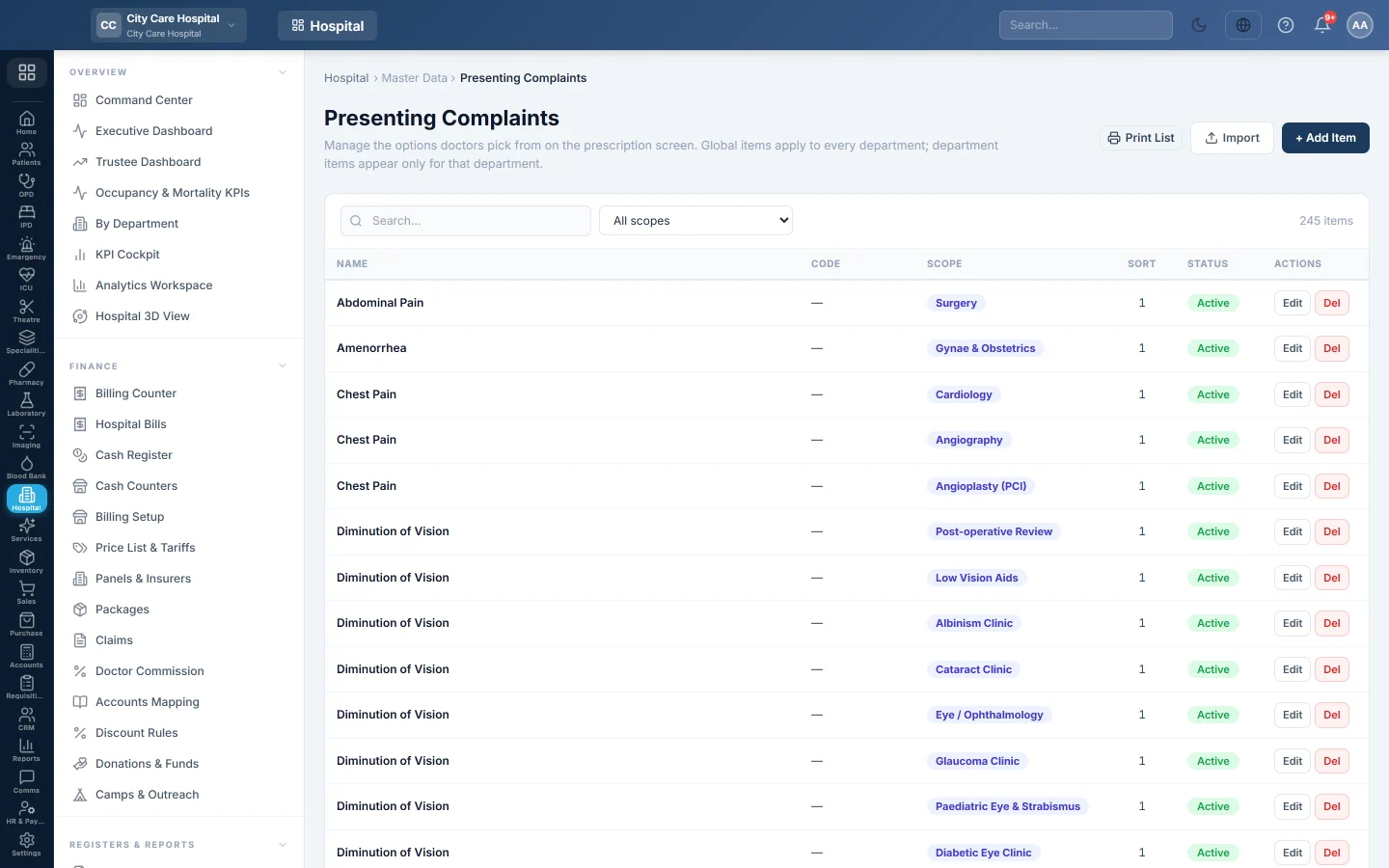
The list of complaints doctors tick on the consultation screen, such as fever or cough, shared by every department or kept for one.
Presenting Complaints is the list of complaints a doctor ticks on the consultation screen, such as Fever, Cough or Headache. A good list saves typing and makes the OPD reports count complaints the same way.
Before you begin
- Adding needs the masters create right; editing and deleting need the masters edit and delete rights.
- Departments exist if some complaints belong to one clinic only. See Departments.
Where to find it
Open Hospital → Master Data → Presenting Complaints.
Add a complaint
- Click + Add Item.
- Type the Name, for example Fever.
- In Scope, keep Global (all departments), or pick the one department that should see it.
- Optionally type a Code and a Sort Order. Lower numbers show first.
- Keep Active ticked and click Save.
Doctors can also add a missing complaint straight from the consultation screen with Add item. It joins this list.
Import a long list
- Click Import.
- Click Download Template (CSV) and fill in one item per row.
- Choose the file and click Upload & Import.
EloERP reports how many were added, updated and skipped. Existing items are updated, new ones added.
Where it is used
On OPD Consultation, the complaints appear as chips in their section. Which sections a department shows is set on Department Forms.
Common questions
A complaint shows in the wrong clinic. Edit it and change the Scope.
Can I hide a complaint without deleting it? Untick Active. Old consultations keep it.
How do I see one department's list? Choose the department in the scope filter, or Global (shared) for the shared ones.
Obrigado. Se ainda precisar de ajuda, escreva para info@eloerp.net.