Urology Reports
Run the urology reports, the procedure register and the DJ-stent tracker of stents due or overdue for removal.
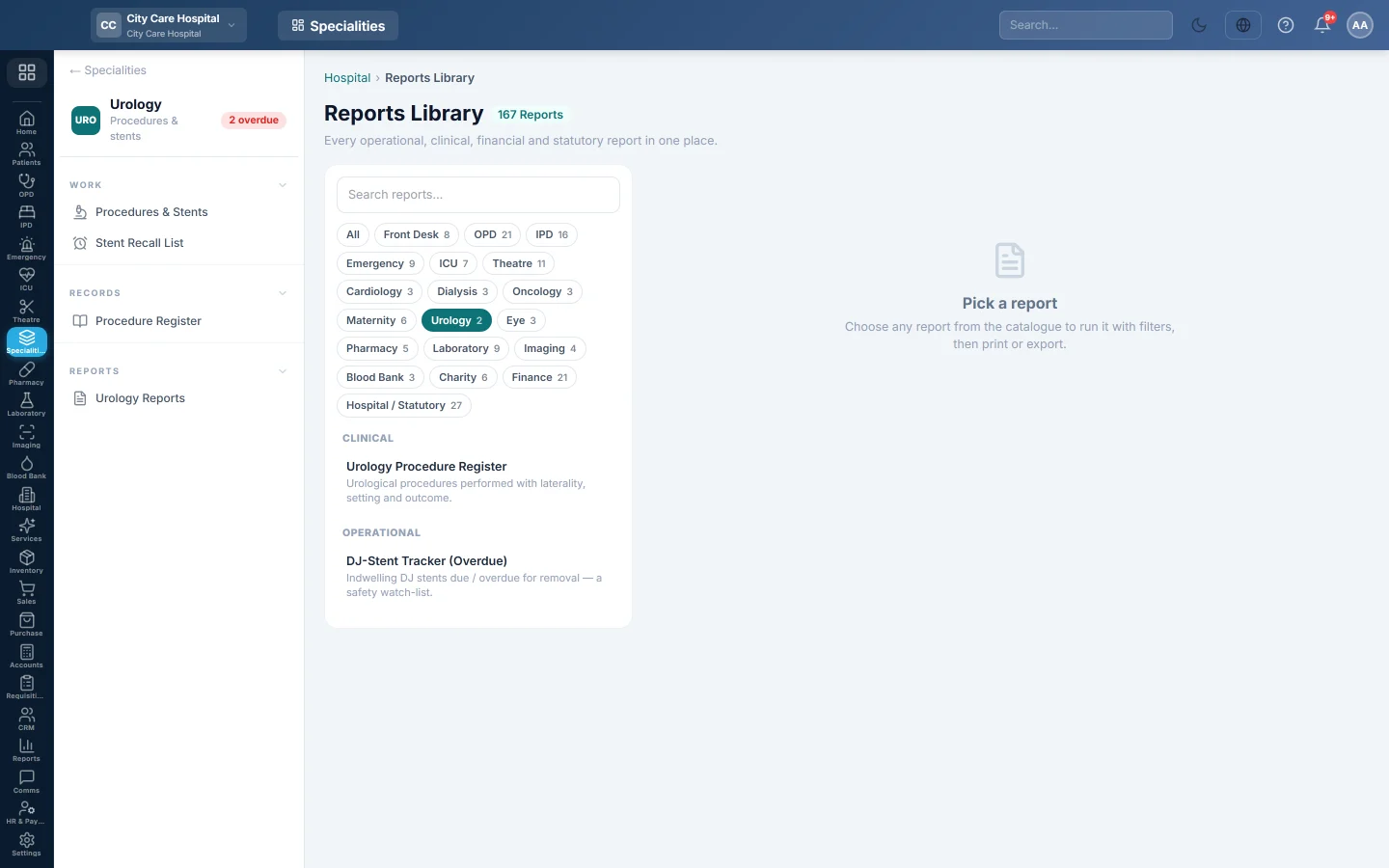
Urology Reports opens the hospital Reports Library filtered to the urology reports. Pick one, set the period, run it, then print or export it.
Before you begin
- Your role has the permission to view hospital reports. See Users & Roles.
Where to find it
Open Specialities → Urology → Reports → Urology Reports. The Urology reports are listed on the left.
Run a report
- Click a report in the list on the left.
- Set From and To, and any filter the report offers, such as Doctor or Status.
- Click Run.
- Click A4 to print it, or CSV to download all rows.
The urology reports
| Report | What it shows |
|---|---|
| Urology Procedure Register | Procedures with side, setting and outcome. See Procedure Register. |
| DJ-Stent Tracker (Overdue) | Indwelling DJ stents due or overdue for removal, as a safety watch-list. It filters by Doctor. |
Common questions
Which list do I use to call patients in? The Stent Recall List shows phones and prints a call list.
Apakah artikel ini membantu?
Terima kasih. Jika masih butuh bantuan, kirim email ke info@eloerp.net.