Oncology Reports
Run the chemotherapy day-care reports, from the cycle register to chair utilisation and treatment-plan status.
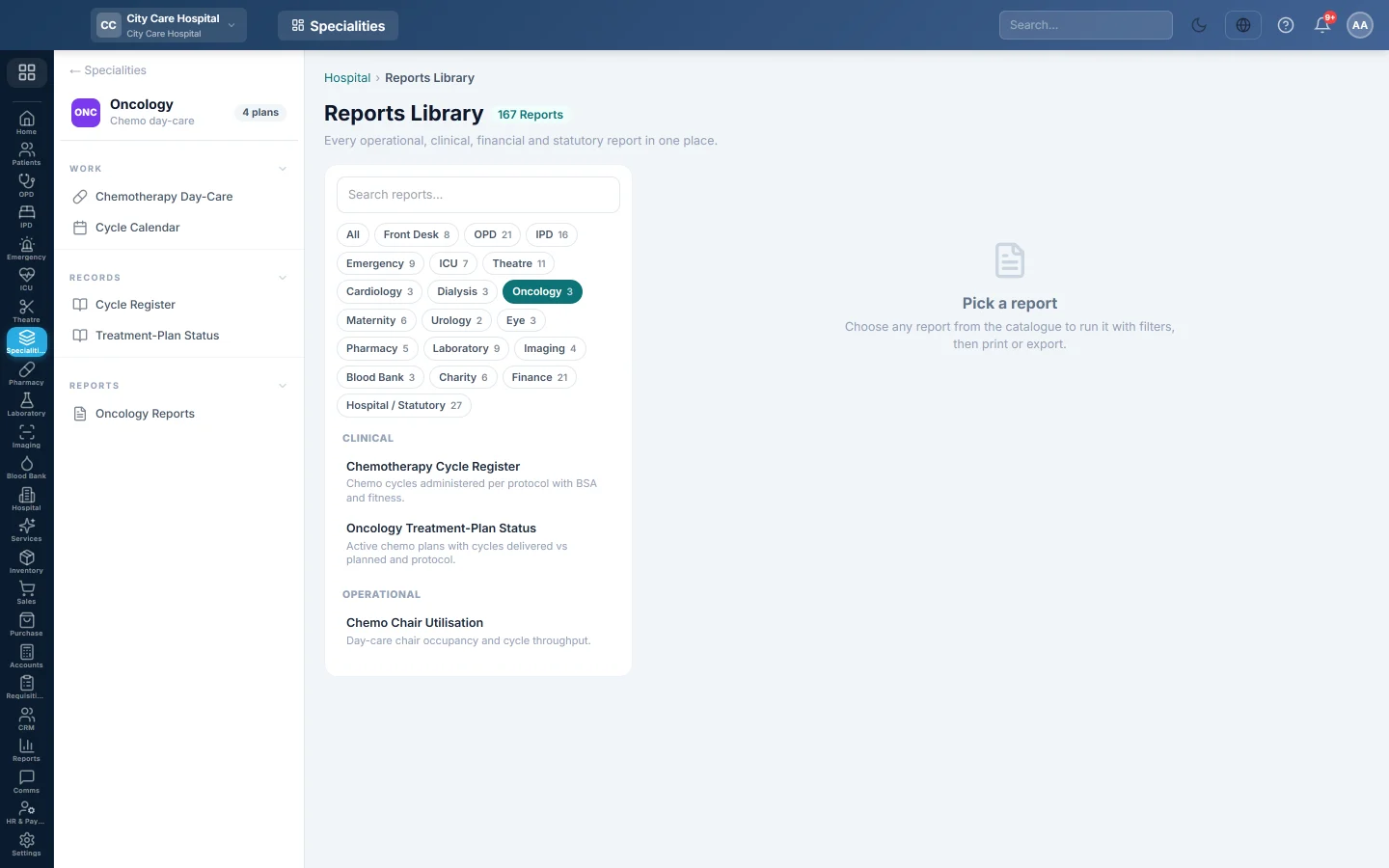
Oncology Reports opens the hospital Reports Library filtered to the chemotherapy day-care reports. Pick one, set the period, run it, then print or export it.
Before you begin
- Your role has the permission to view hospital reports. See Users & Roles.
Where to find it
Open Specialities → Oncology → Reports → Oncology Reports. The Oncology reports are listed on the left.
Run a report
- Click a report in the list on the left.
- Set From and To, and any filter the report offers, such as Doctor or Status.
- Click Run.
- Click A4 to print it, or CSV to download all rows.
The oncology reports
| Report | What it shows |
|---|---|
| Chemotherapy Cycle Register | Cycles given per protocol with BSA, chair and fitness. See Cycle Register. |
| Chemo Chair Utilisation | Per day-care chair: its type, the cycles seated and how many were completed. |
| Oncology Treatment-Plan Status | Active plans with cycles delivered against planned. See Treatment-Plan Status. |
Common questions
A chair is missing from the utilisation report. No cycle was seated in it during the period.
Where is chemotherapy income? Cycle charges appear in the hospital's billing and finance reports.
هل كانت هذه المقالة مفيدة؟
شكرًا لك. إذا كنت لا تزال بحاجة إلى مساعدة، راسلنا على info@eloerp.net.