Dialysis Reports
Run the dialysis unit's reports, from the session register to station utilisation and the patient roster.
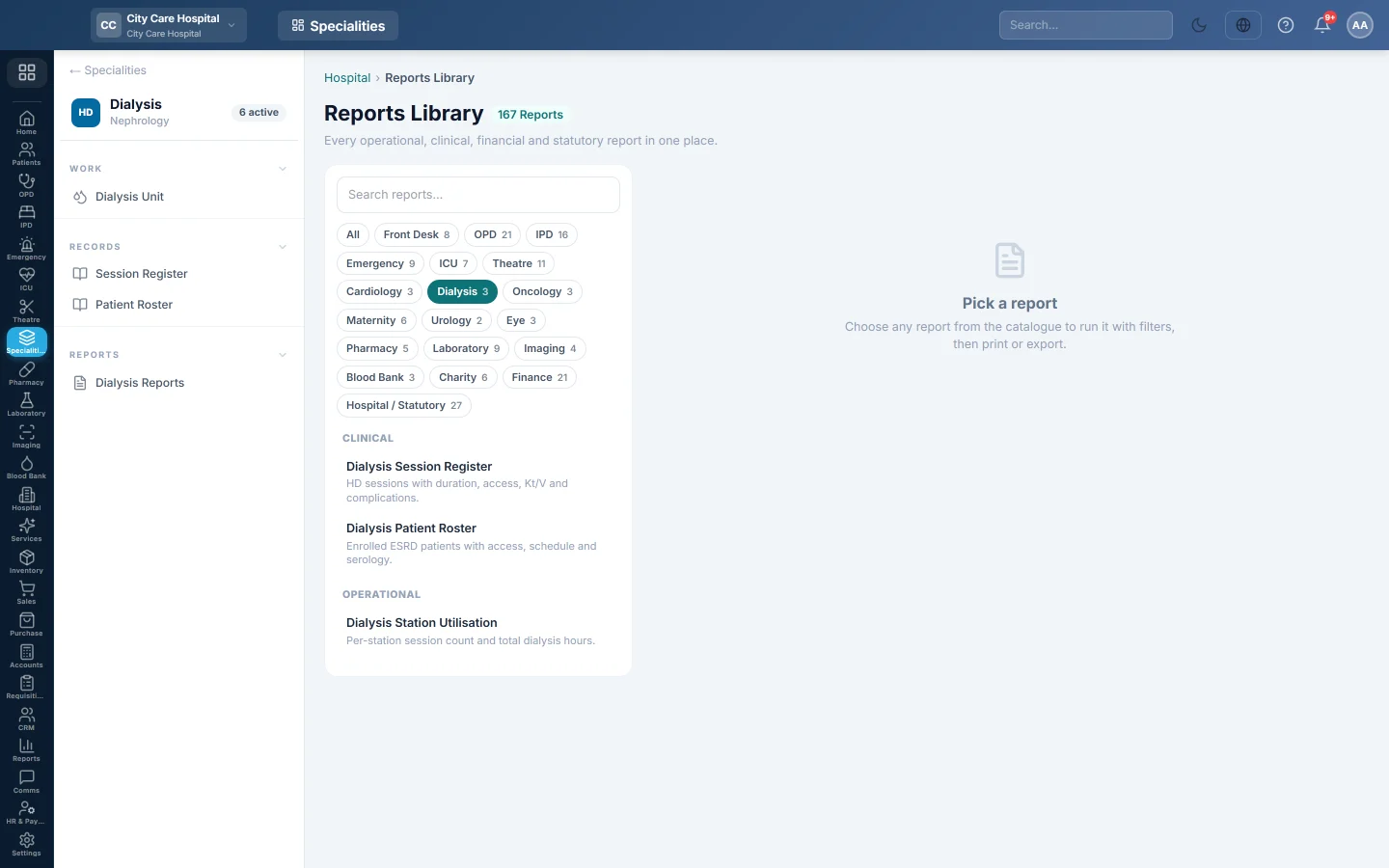
Dialysis Reports opens the hospital Reports Library filtered to the dialysis unit's reports. Pick one, set the period, run it, then print or export it.
Before you begin
- Your role has the permission to view hospital reports. See Users & Roles.
Where to find it
Open Specialities → Dialysis → Reports → Dialysis Reports. The Nephrology reports are listed on the left.
Run a report
- Click a report in the list on the left.
- Set From and To, and any filter the report offers, such as Doctor or Status.
- Click Run.
- Click A4 to print it, or CSV to download all rows.
The dialysis reports
| Report | What it shows |
|---|---|
| Dialysis Session Register | HD sessions with duration, access, Kt/V and status. See Session Register. |
| Dialysis Station Utilisation | Per station: its machine number, the sessions run, total hours and the average session length. |
| Dialysis Patient Roster | Patients active on the programme with access, schedule and dry weight. See Patient Roster. |
Common questions
A station is missing from the utilisation report. It ran no session in the period.
Where is dialysis income? Session and monthly package charges appear in the hospital's billing and finance reports.
Bu makale yardımcı oldu mu?
Teşekkür ederiz. Hâlâ yardıma ihtiyacınız varsa info@eloerp.net adresine yazın.