Workstations
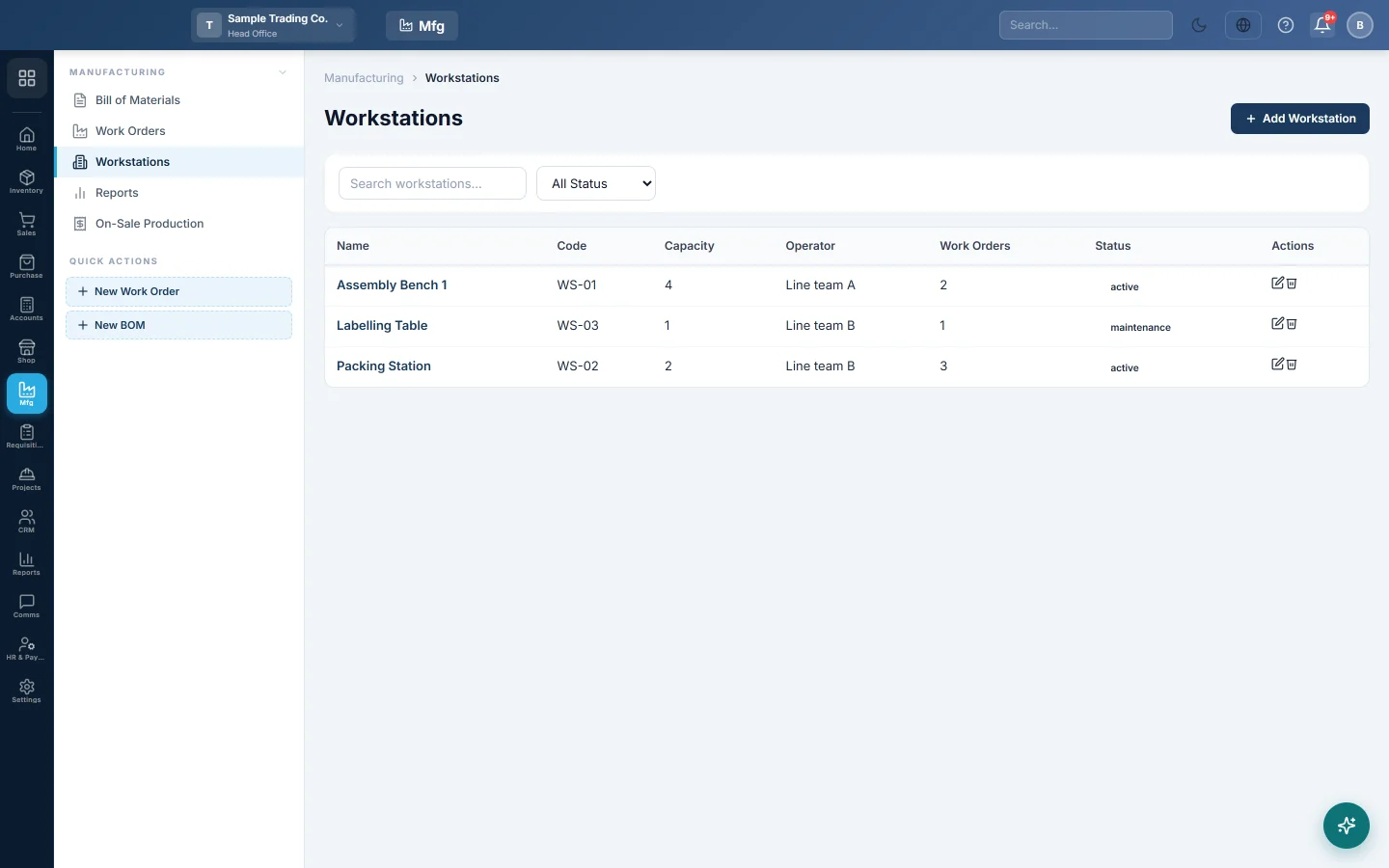
List the machines, lines or work areas where production happens, so each work order can say where it is made.
A workstation is a place where production happens: a machine, a line or a work area such as Oven 1 or Stitching Line A. You pick it on a work order to record where the run is made.
Before you begin
- Your role needs the manufacturing permissions. See Users & Roles.
Where to find it
Open Manufacturing → Manufacturing → Workstations.
Add a workstation
- Click Add Workstation.
- Type the Name, for example Cutting Machine 1, and a short Code.
- Type the Capacity, for example the units it makes per day.
- Type the Operator who usually runs it.
- Choose the Status: Active, Inactive or Maintenance.
- Add a Description if useful.
- Click Save.
Change or delete a workstation
Click Edit to change it, or Delete to remove it. Set the status to Maintenance while a machine is out of use.
The Work Orders column shows how many work orders name the workstation.
Common questions
Do I need workstations? No. They are optional labels on work orders. Small workshops often skip them.
Does capacity stop me planning too much? No. Capacity is for your information only.
谢谢。 如果仍需帮助,请发邮件至 info@eloerp.net。